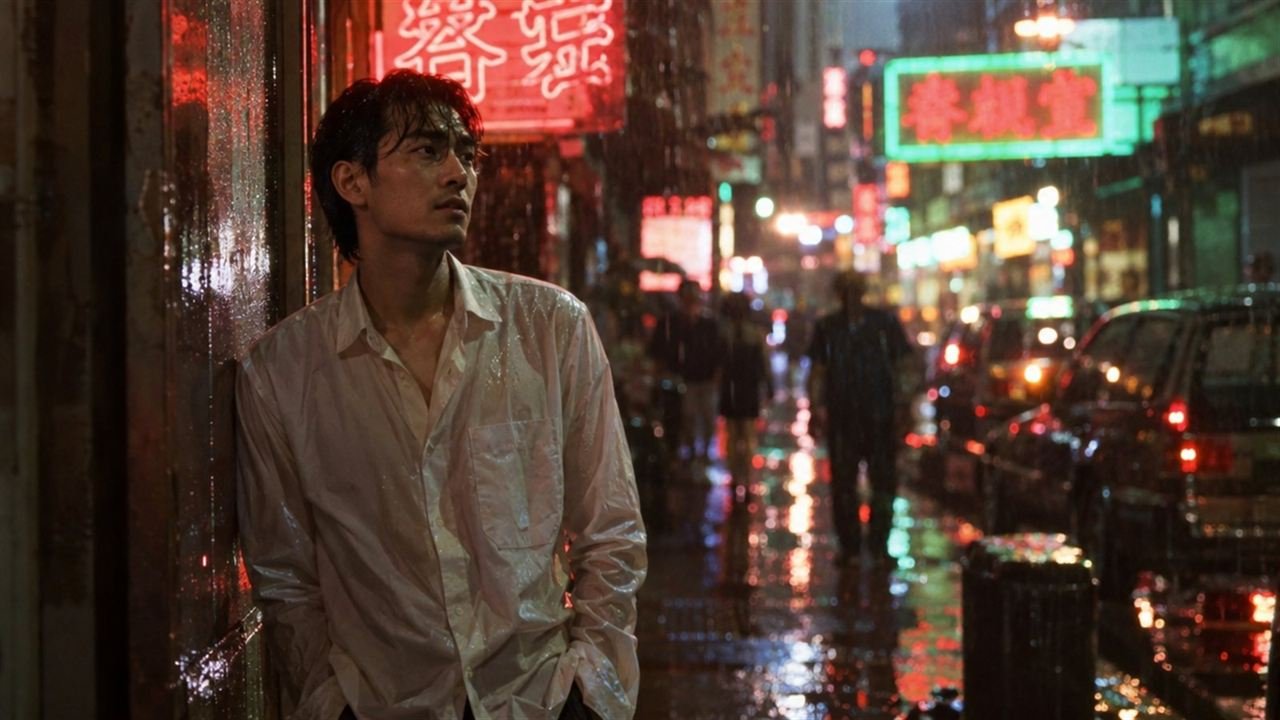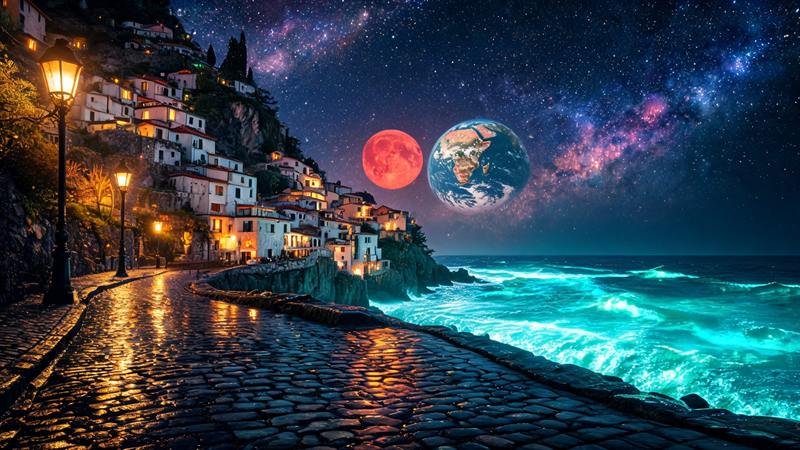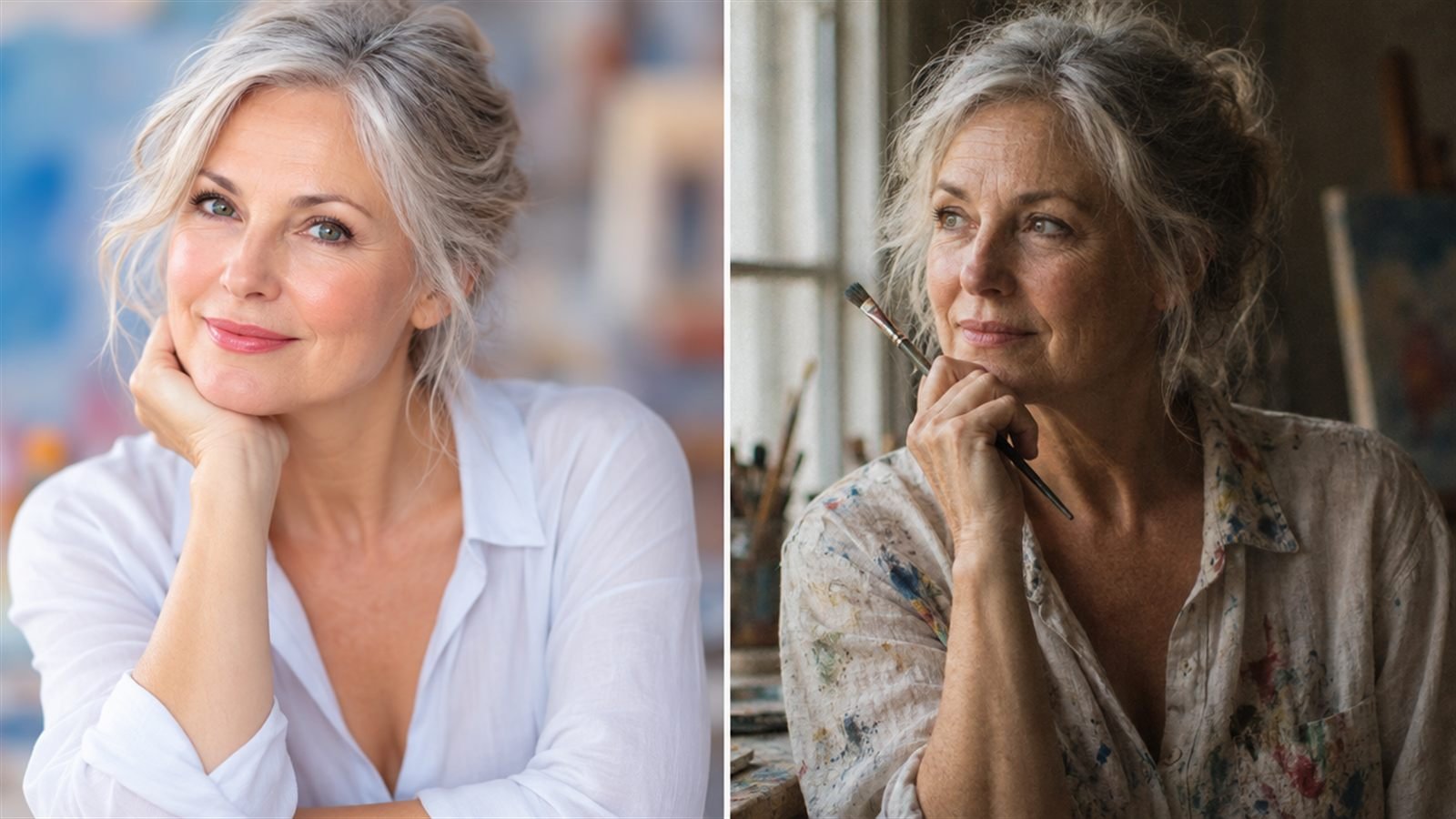
Most AI image prompts fail for the same reason: they describe what the picture should feel like, and never say how it was taken. “A beautiful cinematic portrait of a woman, moody, stunning, 8k” gives the model almost nothing to work with, so it falls back on the same glossy average it produces for everyone.
Photographers don't think in adjectives. They think in decisions: how close, from where, through which lens, under what light, on what film, with what colour. Put those decisions into your prompt and the model starts behaving like a camera instead of a mood board.
The seven-part formula
Every strong photographic prompt answers seven questions. You don't need all seven every time, but you should know which ones you are skipping.
- Subject. Who or what, doing what, where.
- Shot size. Extreme close-up, close-up, medium, full body, wide.
- Angle. Eye level, low angle, high angle, overhead, over the shoulder.
- Lens. Focal length and aperture, for example 85mm at f/1.8.
- Light. The setup and its direction, for example window light from the left, or butterfly lighting with a beauty dish.
- Film stock. The medium the image lives on, for example Kodak Portra 400 or Tri-X 400.
- Grade. The colour treatment on top, for example muted teal shadows or a warm Kodak film look.
Subject comes first because it anchors everything else. The other six are camera settings, and they work best as short, specific phrases rather than sentences.
1. Subject: specific beats beautiful
“A woman” is a subject. “A woman in her sixties in a paint-stained linen shirt, pausing at a studio window with a brush in her hand” is a picture. Age, clothing, action and place do more work than any quality word.
Keep it to one clear action. Two or three actions (“laughing and turning and holding a cup”) split the model's attention and usually produce a blend.
2 and 3. Shot size and angle decide the story
The same subject reads completely differently at different distances. A close-up is about emotion. A wide shot is about the person in their world. A low angle makes someone powerful, a high angle makes them small.
Name both. “Medium close-up, eye level” is a boring but reliable default. “Wide shot, high angle” tells a different story with the same subject.
4. Lens: the words that remove the AI look
Focal length changes perspective. A 24mm lens close to a face stretches the nose and pushes the background away. An 85mm flatters faces and melts the background. Aperture controls how much is in focus: f/1.8 isolates the subject, f/8 keeps the whole scene sharp.
Lens words matter more than most people expect, because they push the model toward a real optical result instead of its default plastic sharpness. If your people still come out too smooth, our post on why AI portraits look plastic goes further.
5. Light: direction, not brightness
“Good lighting” means nothing. “Soft window light from the left, deep shadow on the right side of the face” means a great deal.
Say where the light comes from and what quality it has. Hard or soft. Warm or cool. One source or several. If you know studio patterns, use them: Rembrandt, loop, butterfly and split lighting are all words the major models recognise.
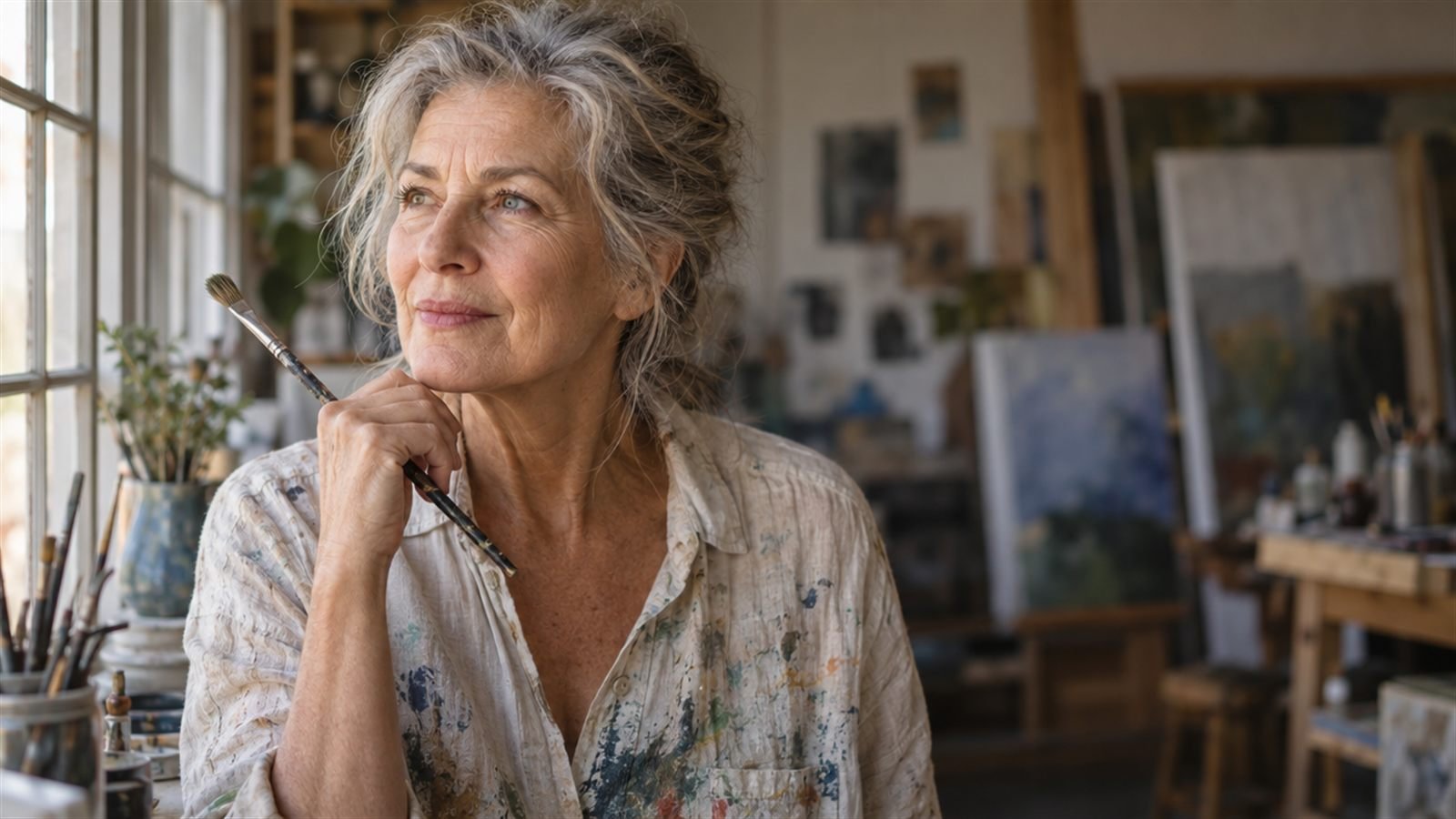
The prompt behind this image:
6. Film stock: texture and colour in two words
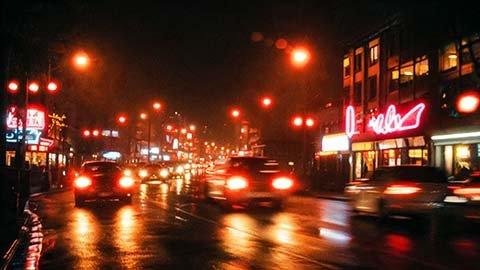
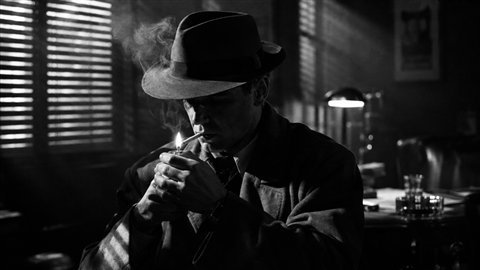
A film stock name carries a whole package of colour, contrast and grain. Portra 400 means soft warm skin and gentle contrast. Tri-X means gritty black and white. Cinestill 800T means tungsten night colour with a red glow around lights.
One stock per prompt. Mixing two gives you neither. Our film stock guide covers fifteen of them and what to pair each with.
7. Grade: the final colour decision
The grade sits on top of the stock. It's where you decide whether the image feels warm, cold, faded, punchy or vintage. Keep it compatible with the stock: a bright pastel grade fights a gritty, high-contrast black and white film, and the model will compromise badly.
Order and length
Put the subject first, then work from the camera outwards: shot, angle, lens, light, stock, grade. Commas between the parts. No full sentences needed after the subject.
Length matters less than precision. Forty specific words beat a hundred and twenty vague ones. If you find yourself writing “stunning”, “masterpiece” or “ultra detailed”, delete them and add a real decision instead.
Frame Juice turns these seven parts into clickable cards, so you build the prompt instead of typing it. The free version covers lighting, colour grade, aspect ratio and the core shot, angle and lens choices.
A full example, built step by step
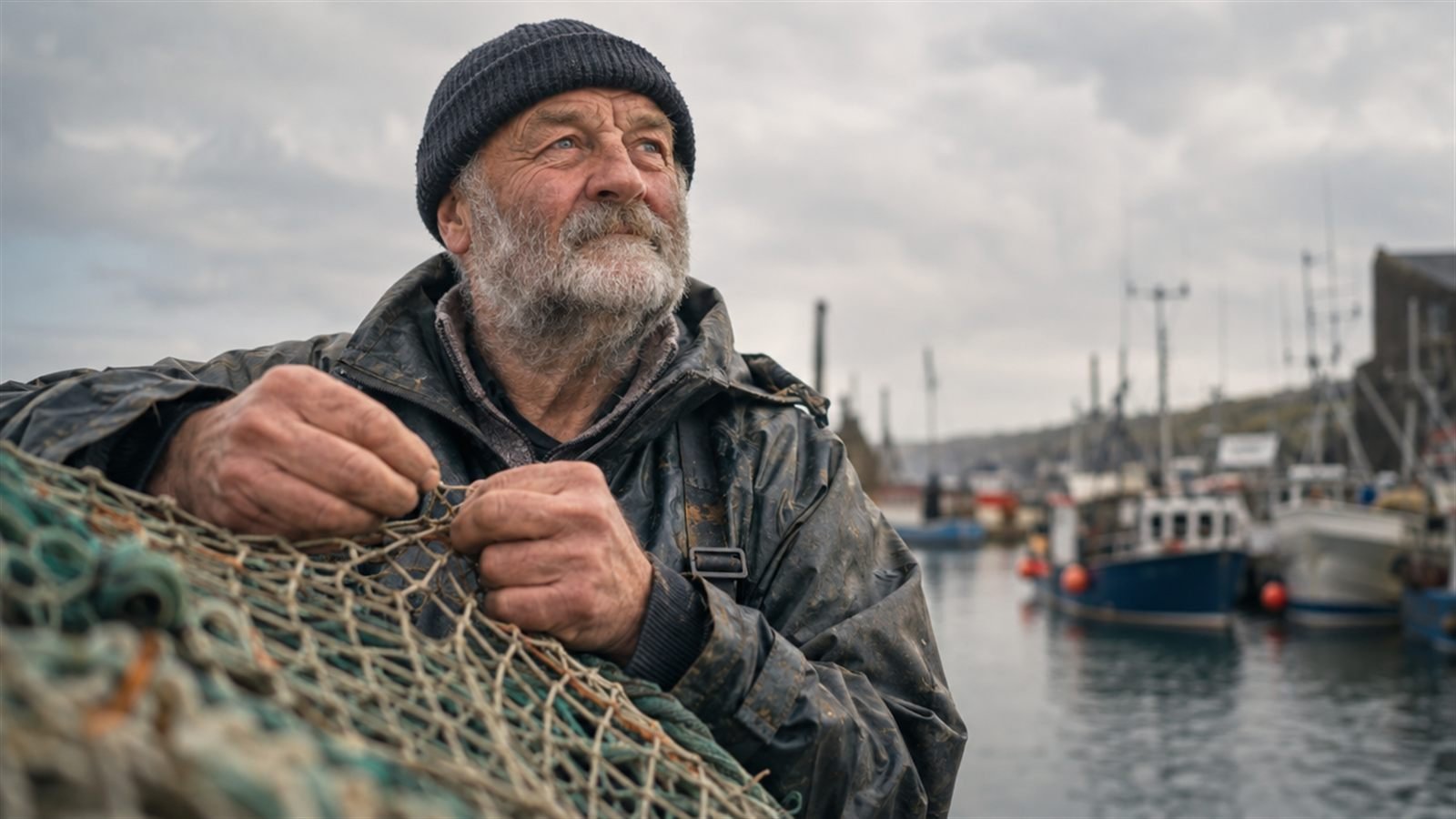
Start: an old fisherman mending a net on a harbour wall.
Add shot and angle: medium close-up, low angle.
Add lens: 85mm lens at f/2.
Add light: overcast soft light, gentle shadows under the brim of his cap.
Add stock and grade: Kodak Portra 400, muted blue-grey grade with warm skin.
Read it back and every word is doing a job. There's nothing the model has to guess.
The prompt behind this image:
Common mistakes
- Stacking adjectives. Beautiful, gorgeous and stunning cancel each other out.
- Conflicting settings. A 14mm wide lens with “tight close-up” and “background melted to blur” asks for three incompatible things.
- Forgetting the medium. If you want a photograph, say so, and say which film. Otherwise the model may drift into illustration.
- Copying platform syntax between models. Midjourney parameters mean nothing to Flux or GPT Image. Write the decisions in plain words and add platform settings separately.
- Saying “cinematic” and stopping there. It's a mood, not a decision. Our cinematic prompt guide breaks it into the parts that make it work.
Not every image should be a photograph, of course. If you want a painted, 3D or graphic look instead, start from a style: our AI art styles list and the guide to choosing a look cover that side.
Get the seven parts right and the rest of prompt writing is taste.