Why AI Portraits Look Plastic and How to Fix Them
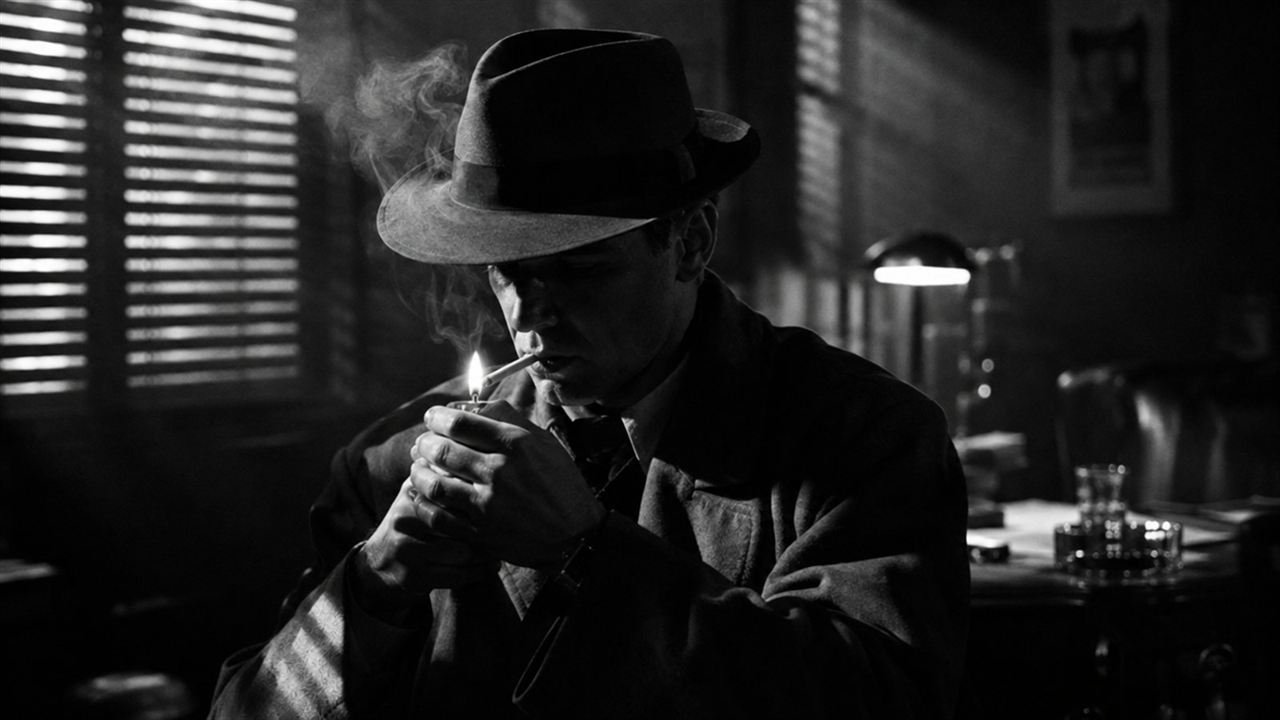
You know the look. Skin like polished wax, not a pore in sight, eyes a little too bright, every face the same age of flawless. It's the fastest way to tell an AI portrait from a photograph, and it's not a limitation of the model. It's what the prompt asked for.
The good news: it takes about three changes to fix.
Why AI skin goes plastic
Models learn from captioned images, and the images captioned “beautiful”, “perfect” and “flawless” are mostly retouched: beauty campaigns, filtered selfies, magazine covers. So when a prompt leans on those words, the model reaches for the retouched end of everything it has seen.
Four habits push portraits in that direction:
- Beauty words. Beautiful, perfect, flawless, gorgeous, attractive. Each one nudges toward airbrushing.
- Quality words. 8k, ultra detailed, masterpiece, hyperrealistic. Ironically, these often produce the most artificial results, because they pull toward digital art and heavily processed images.
- Flat, even light. Light from everywhere removes the shadows that reveal texture. Skin looks smooth when nothing rakes across it.
- No medium. Without a camera, lens or film, the model has no reason to add grain, optical softness or imperfection. It defaults to its own clean, synthetic sharpness.
Fix 1: describe the skin you want
Say it directly:
It feels strange to ask for imperfection, but that's what real faces have.
Add age honestly. “A woman” drifts toward twenty-five with filtered skin. “A woman in her fifties” gets lines, character and credibility.
And remove every beauty and quality word. Replace them with decisions instead.
Fix 2: give it grain and a real film
Film grain is the single most powerful anti-plastic ingredient. It breaks up the smooth digital surface and gives the eye something organic to read.
That works for soft, warm, flattering portraits. For black and white with grit:
Even a subtle grain reference changes the whole feel.
Frame Juice Image Pro has fifteen film stocks plus grain and halation controls built in, so the texture that makes a portrait look real is one click instead of a guess.
Fix 3: use directional light and a real lens
Texture appears where light rakes across a surface. Window light from the side shows pores, stubble and fine hair. Flat front light hides them.
Then name a real lens and aperture. 85mm at f/2 gives natural optical falloff: sharp eyes, softer ears, a background that melts the way real glass melts it. That optical softness is part of what makes a photograph read as real.
Bonus fixes for stubborn cases
- Documentary framing. Words like candid, documentary photograph and unposed pull away from the studio-beauty cluster.
- A little life in the scene. Flyaway hairs, a crease in a collar, an ordinary background. Perfection in the surroundings encourages perfection in the face.
- Halation and softness. A gentle glow around highlights, like real film, softens the too-crisp digital edge.
- Exclude the look. In tools that support negative prompts, list airbrushed, plastic skin, retouched, CGI, 3D render. In tools that don't, write the positive version instead: unretouched.
Before and after
Before:
After:
The second prompt is barely longer. It just replaces every wish with a decision.
When smooth is right
Sometimes you want polished skin: a skincare ad, a fashion cover, a stylised character. That's fine. The point is to choose it. Say beauty retouching, soft glow, clamshell lighting on purpose, rather than getting it by accident every time.
More articles
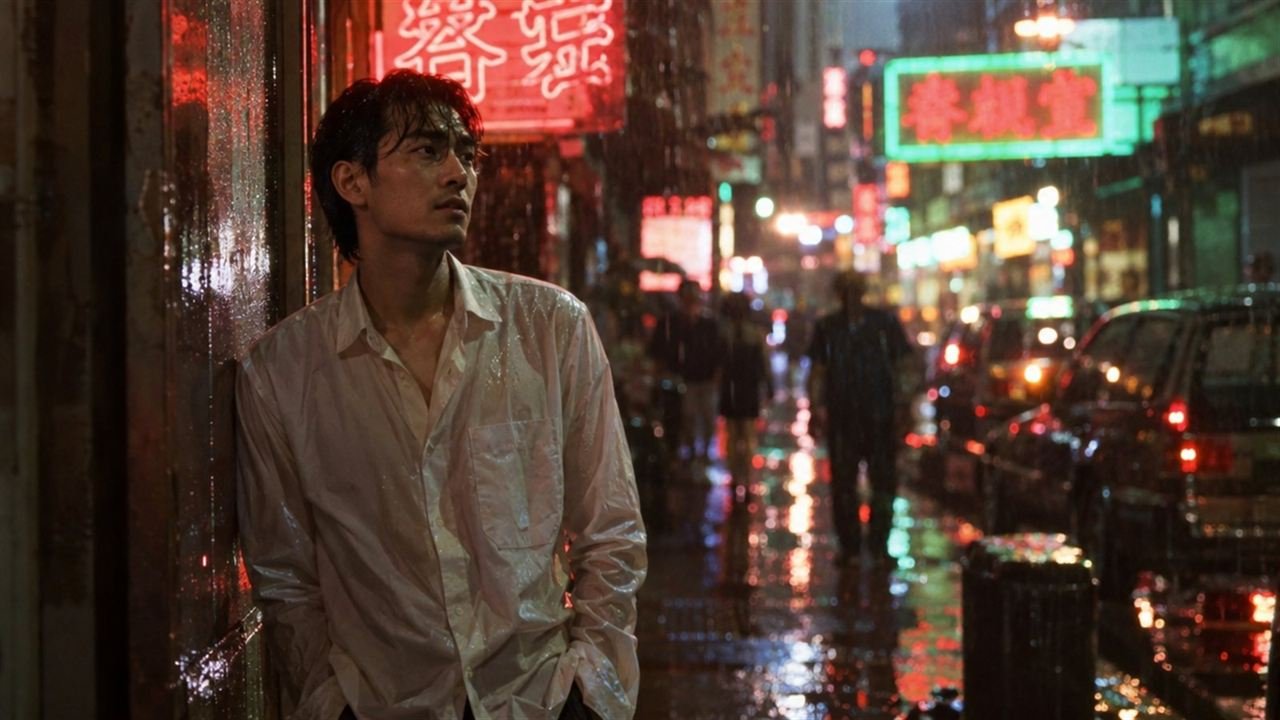
Stop Writing 'Cinematic' in AI Prompts. Write This Instead.
'Cinematic' is too vague to help. Swap it for six real decisions: frame, lens, motivated light, cinema stock, grade and story, with five before-and-after prompts.
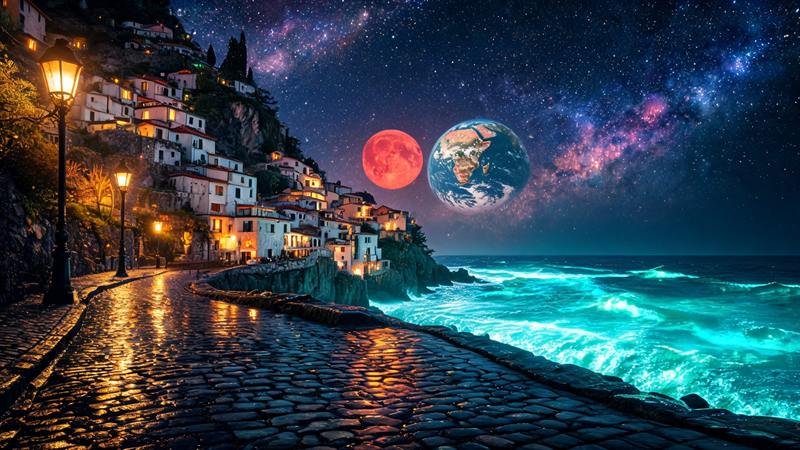
Choose the look first: a better way to write AI image prompts
Start from a look such as Film Noir or Claymation, then set lens and light. Why it beats a blank prompt in Midjourney, Flux and GPT Image.
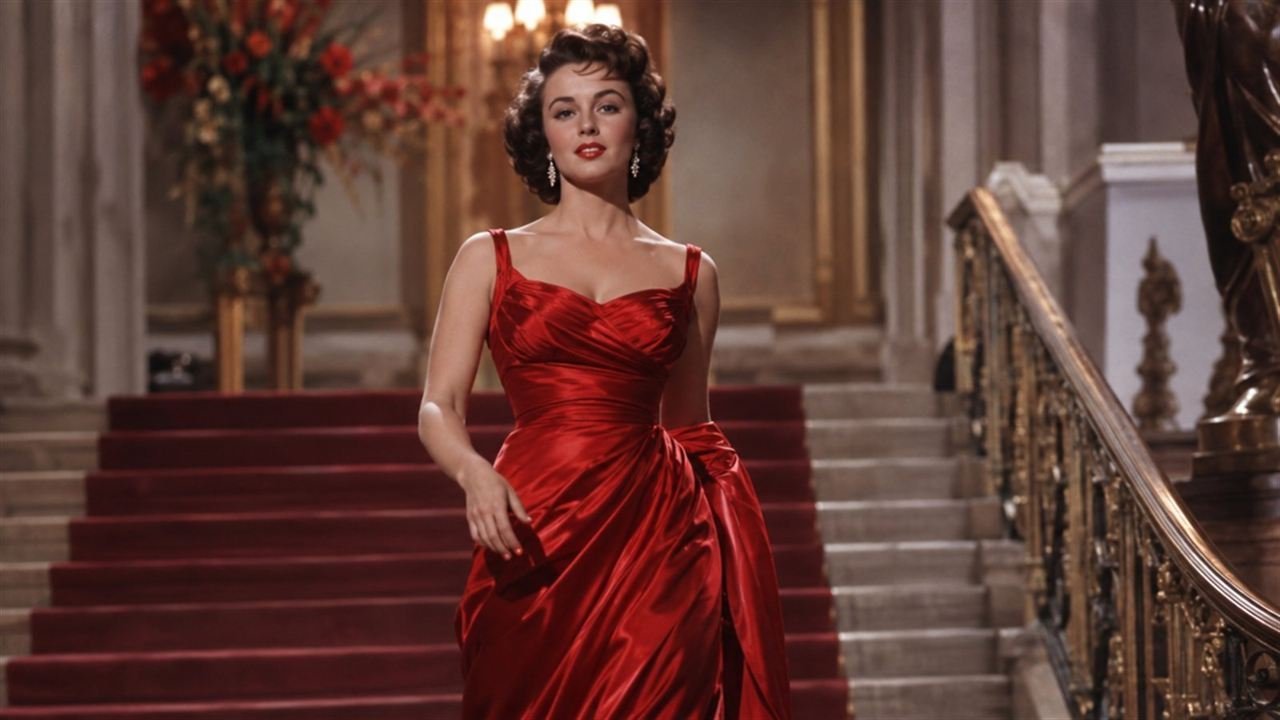
Film Stock Prompts: 15 Film Looks for Midjourney and Flux
Copy the exact prompt words for 15 film stocks, from Portra and Tri-X to Cinestill 800T and Velvia, and see which look each one gives an AI image.