Make the frame.
Make it move.
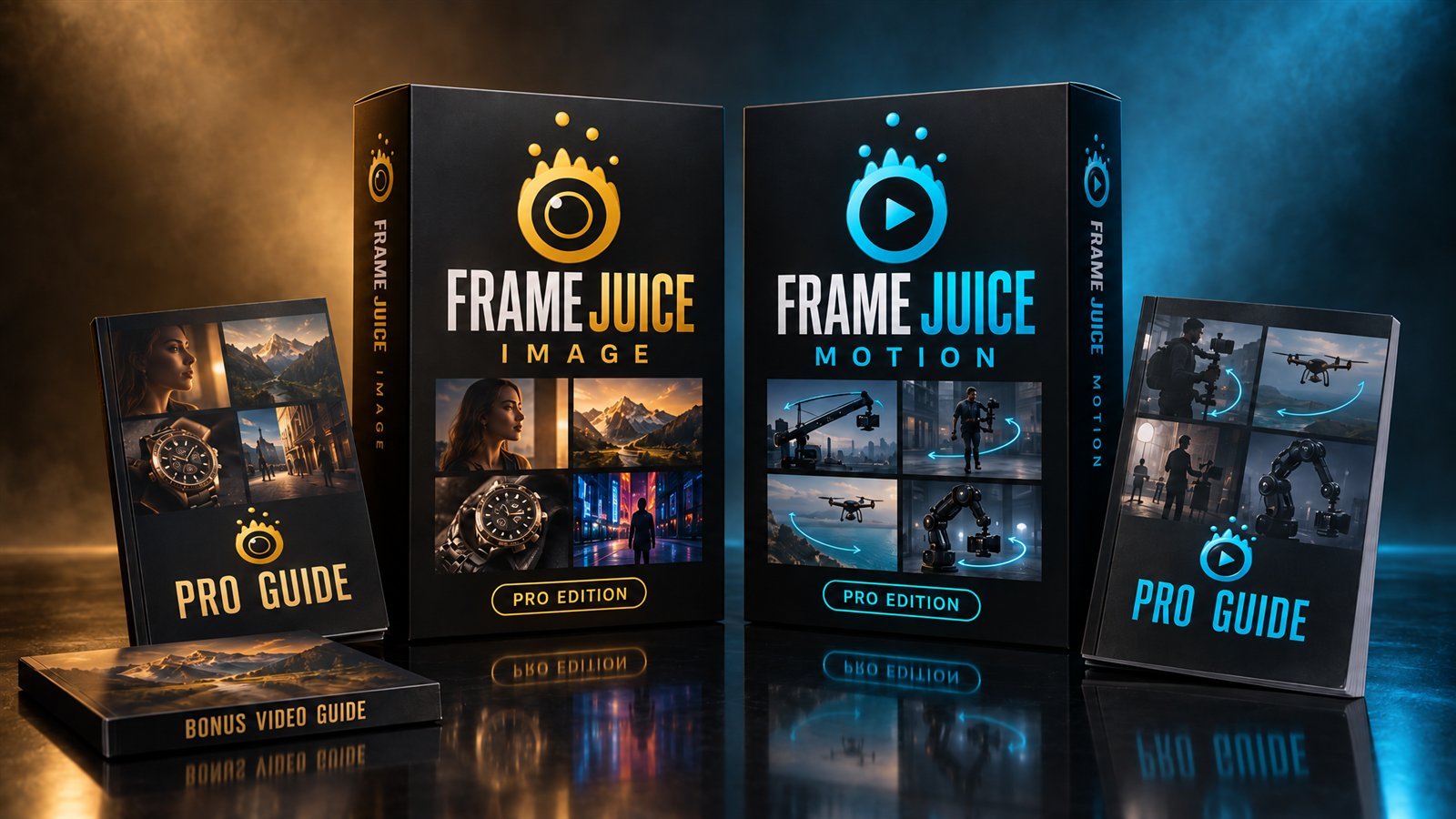
Frame Juice Image Pro writes the still. Frame Juice Motion Pro directs the camera. Together they take you from an idea to a finished AI video shot, with prompts formatted for Midjourney, Flux, Veo, Kling, Runway and more.
the two apps apart
Prompts formatted for
- Midjourney
- Stable Diffusion
- Flux
- GPT Image
- Veo
- Kling
- Runway
- Seedance
- Wan
- ElevenLabs
A great video starts with a great first frame.
Image-to-video is how most AI video gets made: you generate a still, then animate it. Get either half wrong and the whole shot falls apart.
Weak frame, weak clip
A flat, generic still gives the video model nothing to work with. No lens, no light, no mood to carry into motion.
Vague motion, random camera
"Cinematic camera movement" lets the model guess. It drifts, zooms at the wrong moment, or morphs your subject.
Two tools, twice the retries
Every rerolled image and every failed render costs time and credits. The mistakes stack up across both steps.
Two Pro apps. One workflow.
Both full Pro versions, with every feature and every guide. Nothing held back.
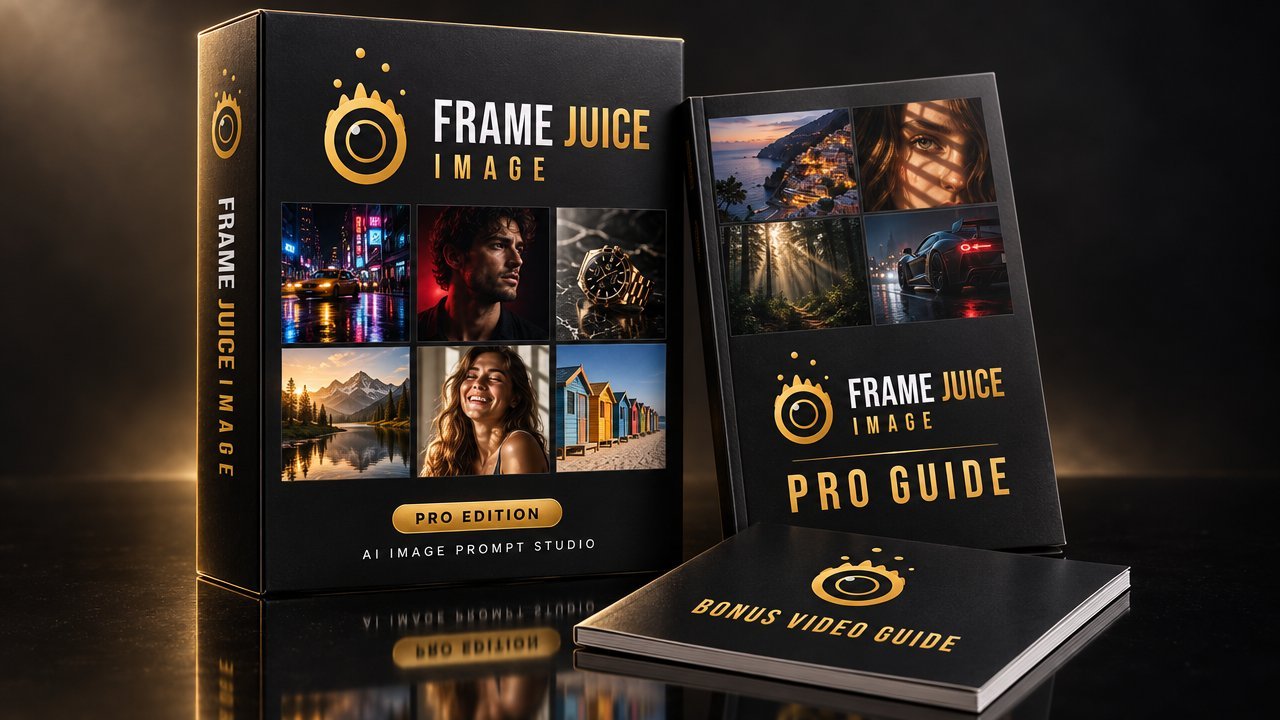
The AI image prompt studio
Pick the look, not the words.
- 88 one-click looks: photo, film, 2D & 3D, art, specials
- 258 camera, lens, light and film settings
- Preset Mix and 25 Materials
- Midjourney, Stable Diffusion, Flux, GPT Image + JSON
- 91-page Pro Guide + 19-page video bonus
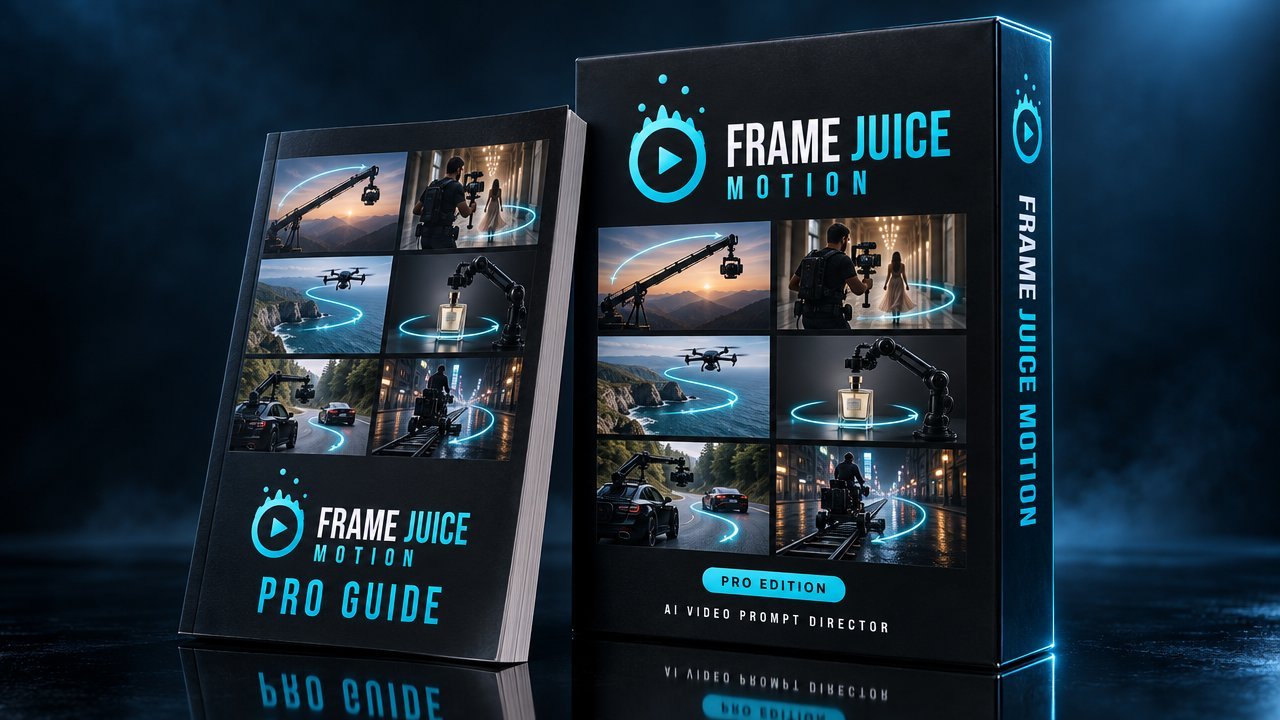
The AI video prompt director
Direct every move.
- 55 motion presets and 21 camera moves
- Start & end frames, beats, loops, shot list
- Native audio: dialogue, SFX, ambience, music
- Credit Saver: 10 checks before you render
- Veo, Kling, Runway, Seedance, Wan, ElevenLabs + JSON
- 79-page Motion Pro Guide
From still to shot in three steps
The apps are built to hand off to each other. Paste your Image prompt into Motion and it picks up the subject and aspect ratio, so the video prompt only has to direct the motion.
 REC
REC
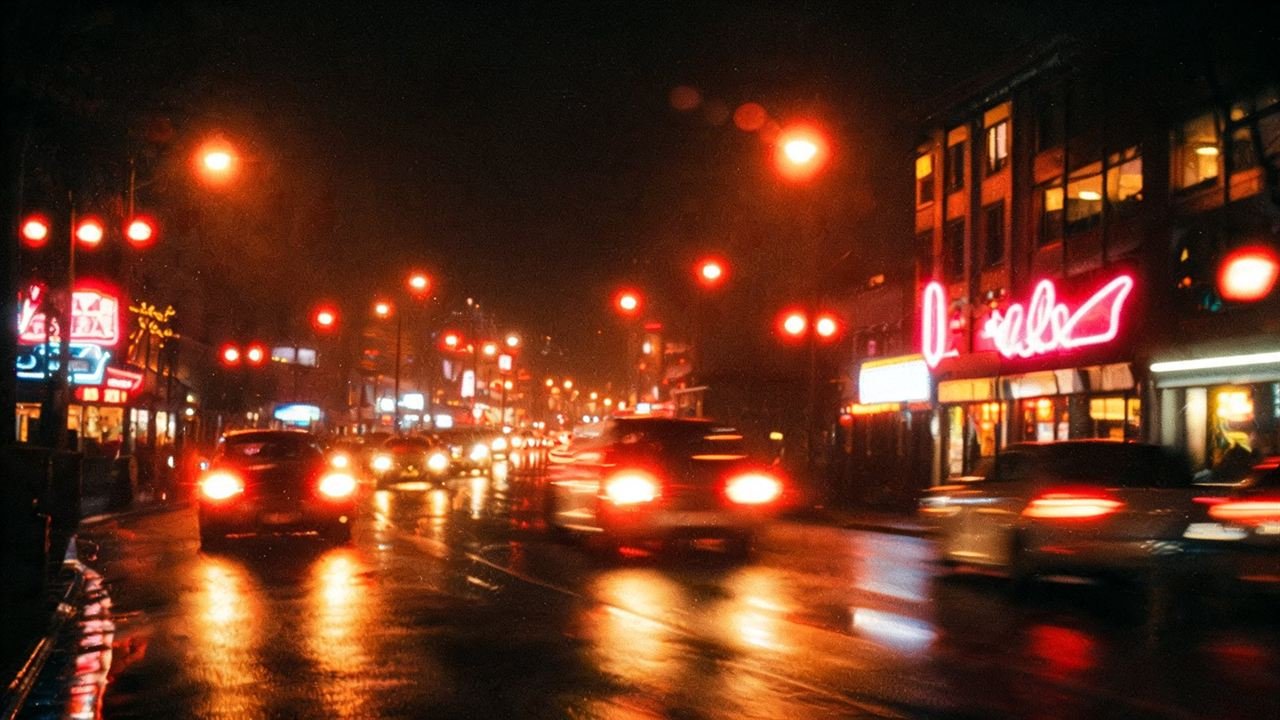
- Image Pro writes the frameOne click on Neon Night Film, output for Midjourney.
… Leica M3, 35mm, f/1.8, urban neon lighting, Cinestill 800T, iconic red halation glow --ar 16:9 --style raw - Motion Pro reads itPaste that prompt into the start frame. Subject and ratio are filled in.
- Pick a move, copy for your video model
Browser preview for illustration. Your video model renders the real move.
143 looks and moves. One click each.
88 image looks and 55 motion presets, all included. Hover to see what's inside.
Both apps. One price.
- Frame Juice Image Pro$19
- Frame Juice Motion Pro$24
- Image Pro Guide (91 pages) + Still to Motion bonus (19 pages)included
- Motion Pro Guide (79 pages)included
- Bought separately$43
You save $9
🔒 Secure checkout by Lemon Squeezy · Taxes handled · Download links by email
FAQ
What exactly do I get?
The full Pro versions of both apps, Frame Juice Image Pro and Frame Juice Motion Pro, plus all three guides: the 91-page Image Pro Guide, the 19-page "From Still to Motion" bonus and the 79-page Motion Pro Guide. They are the same files as the single products.
Do the apps make the images and videos?
No. They write the prompts; your AI image and video tools make the pictures and clips. That means they work with the tools and plans you already use.
Do the two apps work together?
Yes. Copy a prompt from Image Pro, paste it into Motion Pro's start frame box, and Motion reads the subject and aspect ratio. Upload the generated image as the start frame in your video tool and paste Motion's prompt.
Which AI tools are supported?
Image Pro formats prompts for Midjourney, Stable Diffusion, Flux and GPT Image / Gemini. Motion Pro formats for Veo, Kling, Runway, Seedance, Wan and ElevenLabs. Both have a Generic format and JSON export for anything else.
I already own one of the apps. Should I buy the bundle?
No need. The bundle is for getting both at once. If you already have one, just get the other on its own page: Image Pro or Motion Pro.
Is it a subscription?
No. You pay $34 once and both apps are yours. No account, no monthly fee, no credits.
What do I need to run them?
Any modern browser: Chrome, Edge, Safari or Firefox, on Windows, Mac or Linux. Unzip and open the HTML files. Everything runs on your own computer and works offline.
Click like a photographer.
Direct like a filmmaker.
Both Pro apps and all three guides for $34, once.
Get both apps $34