
Direct every move.
Stop burning credits.
AI video credits are expensive, and vague prompts waste them. Motion Pro works like a camera crew: pick the rig, the move, the lens and the timing, and get a prompt formatted for the video model you use.
before you hit generate
Prompts formatted for
- Veo
- Kling
- Runway
- Seedance
- Wan
- ElevenLabs
- + JSON
"Cinematic camera movement" is not direction.
Video models do exactly what you say, and guess everything you don't. The guesses are where the credits go.
Random camera drift
No rig, no direction, no speed. The camera wanders, zooms when it should track, or does two moves at once.
Morphing and melting
Faces change mid-shot, hands grow fingers, feet slide. Most of it is avoidable with the right wording and a proper negative prompt.
Paying for the retries
A wrong clip length, an unsupported ratio or too much action in 5 seconds. Each mistake is another paid generation.
Pick a move. Get the exact words.
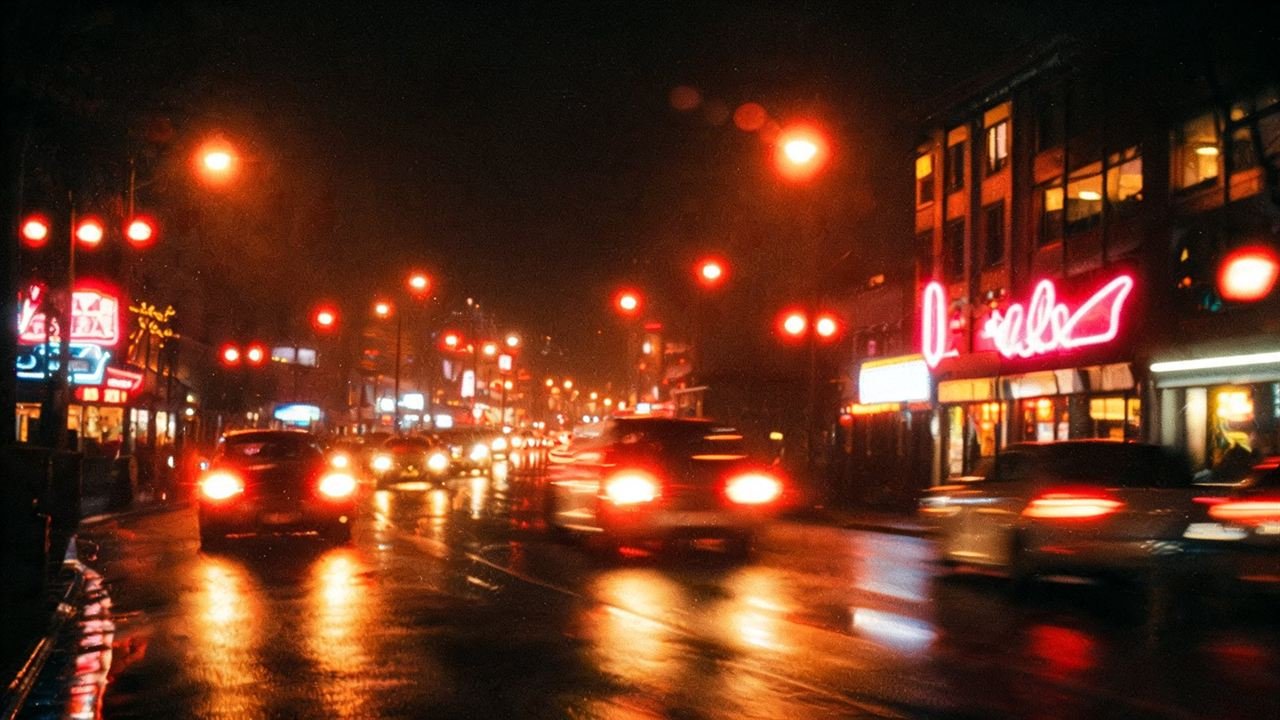
These are real lines from Motion Pro. Every move comes with direction, speed, easing and travel controls, and the app previews the move live.
 REC
REC
Browser preview for illustration. Your video model renders the real move.
From a wish to a shot list
The same idea, written the usual way and written by Motion Pro with the Slow Push-In Drama preset, output set to Veo.
- Which move? How fast? For how long?
- No identity lock: her face can change
- No sound, no timing, no negative prompt
- Same wording for every model
[00:00-00:04] She looks up from her phone
[00:04-00:08] She turns toward the camera and smiles
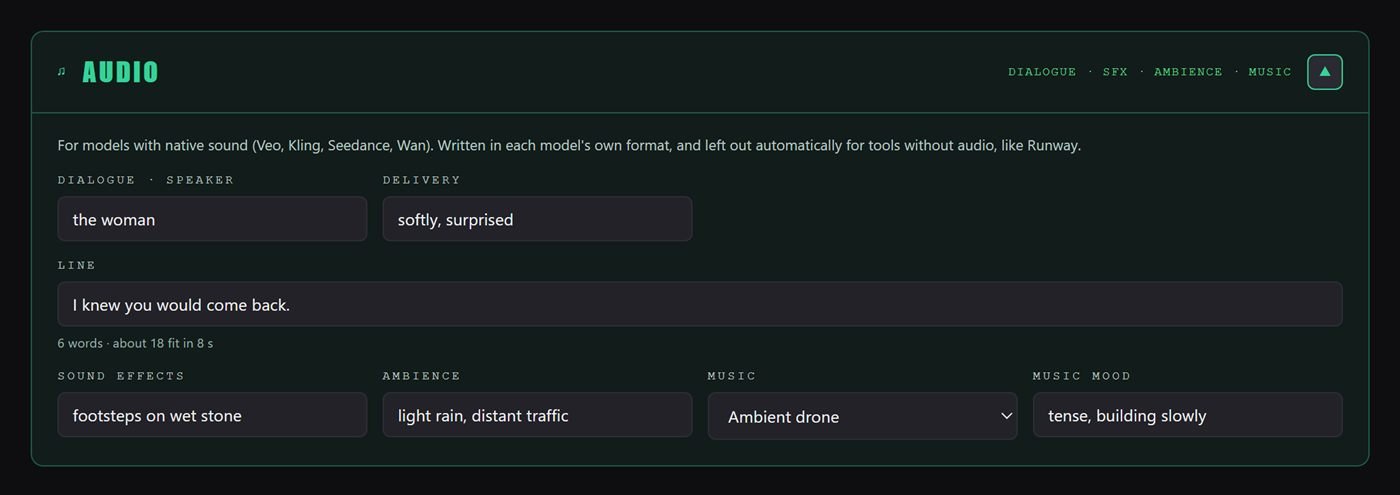
The woman says softly, "I knew you would come."
Ambient noise: rain on the pavement, distant traffic
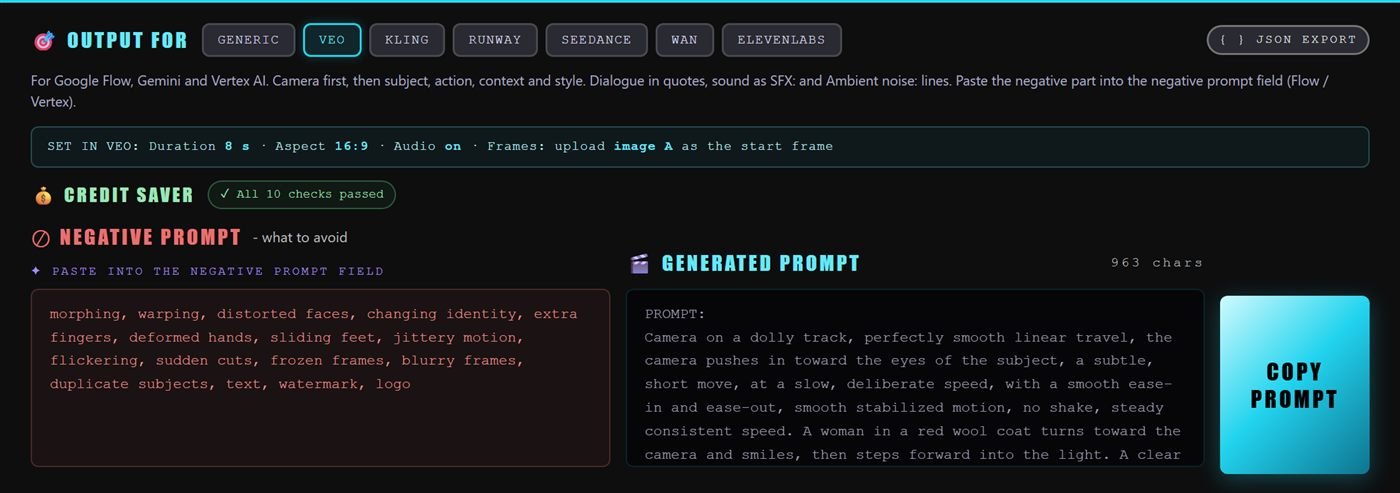
NEGATIVE PROMPT: morphing, warping, distorted faces, changing identity, extra fingers, sliding feet, jittery motion, flickering …
- Set in Veo: 8 s · 16:9 · audio on · image A as start frame
- Credit Saver: all 10 checks passed
Image in, directed shot out
Start from your frame
Image to video or text to video. Paste your Frame Juice image prompt and Motion reads the subject and ratio. Add an end frame to animate from A to B.
Direct the shot
Pick a preset, or build it: rig, camera move, speed, easing, lens, framing over time, physics, light, frame rate. Add timed beats, dialogue and sound.
Check, copy, generate
Choose your model. The Credit Saver checks length, ratio, motion load, hands and text before you spend a thing. Copy and paste.
55 shots. One click each.
Cinematic, social, selfie and UGC, nature, VFX, commercial, animation and music video. Each preset sets the rig, move, speed, lens and timing. Hover to see what's inside.
A whole camera crew in one file
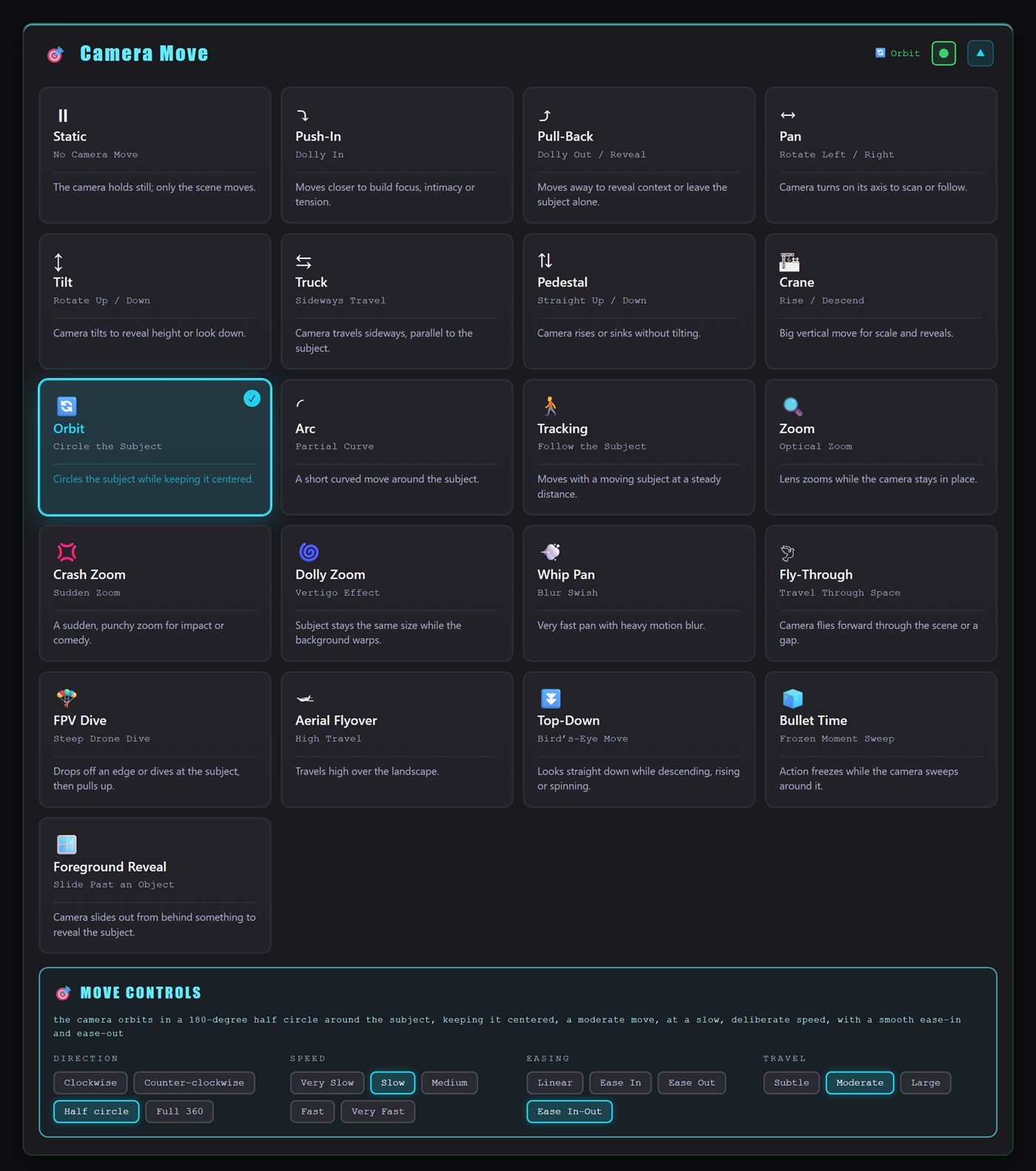
21 moves with full control
From a locked-off static shot to FPV dives, bullet time and the vertigo dolly zoom. Every move has its own direction options plus speed, easing and travel, written the way video models understand them.
- Direction, speed, easing and travel per move
- Camera rigs: dolly, crane, Steadicam, drone, handheld, robot arm and more
- Live animated preview of the move
Animate your image, not a stranger's
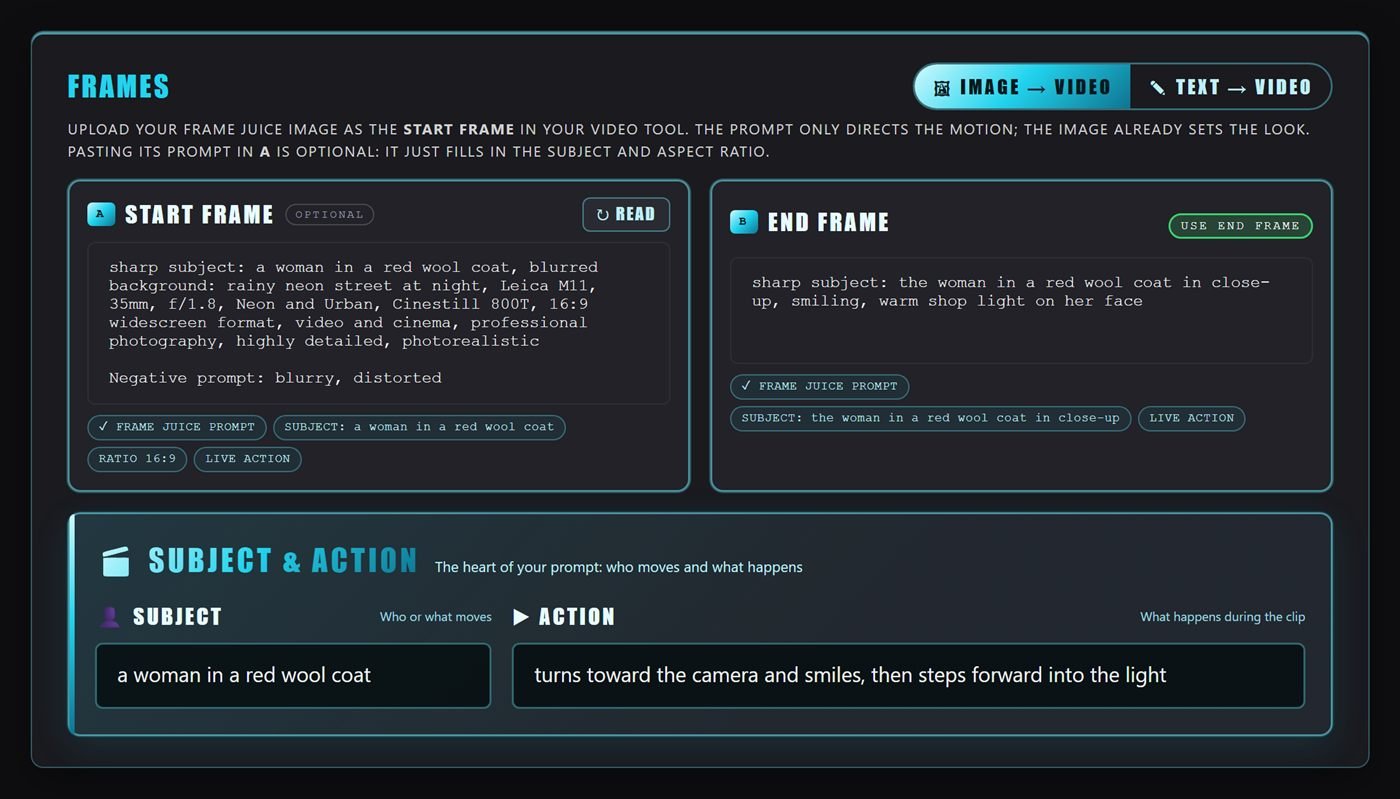
In image-to-video mode the prompt directs only the motion, because your image already sets the look. Paste a Frame Juice image prompt and Motion picks up the subject and ratio. Add an end frame and choose one of 7 transition styles.
- Image to video and text to video
- Optional end frame B with 7 transitions
- Reference images for character, product, outfit or place
Scenes, not just clips
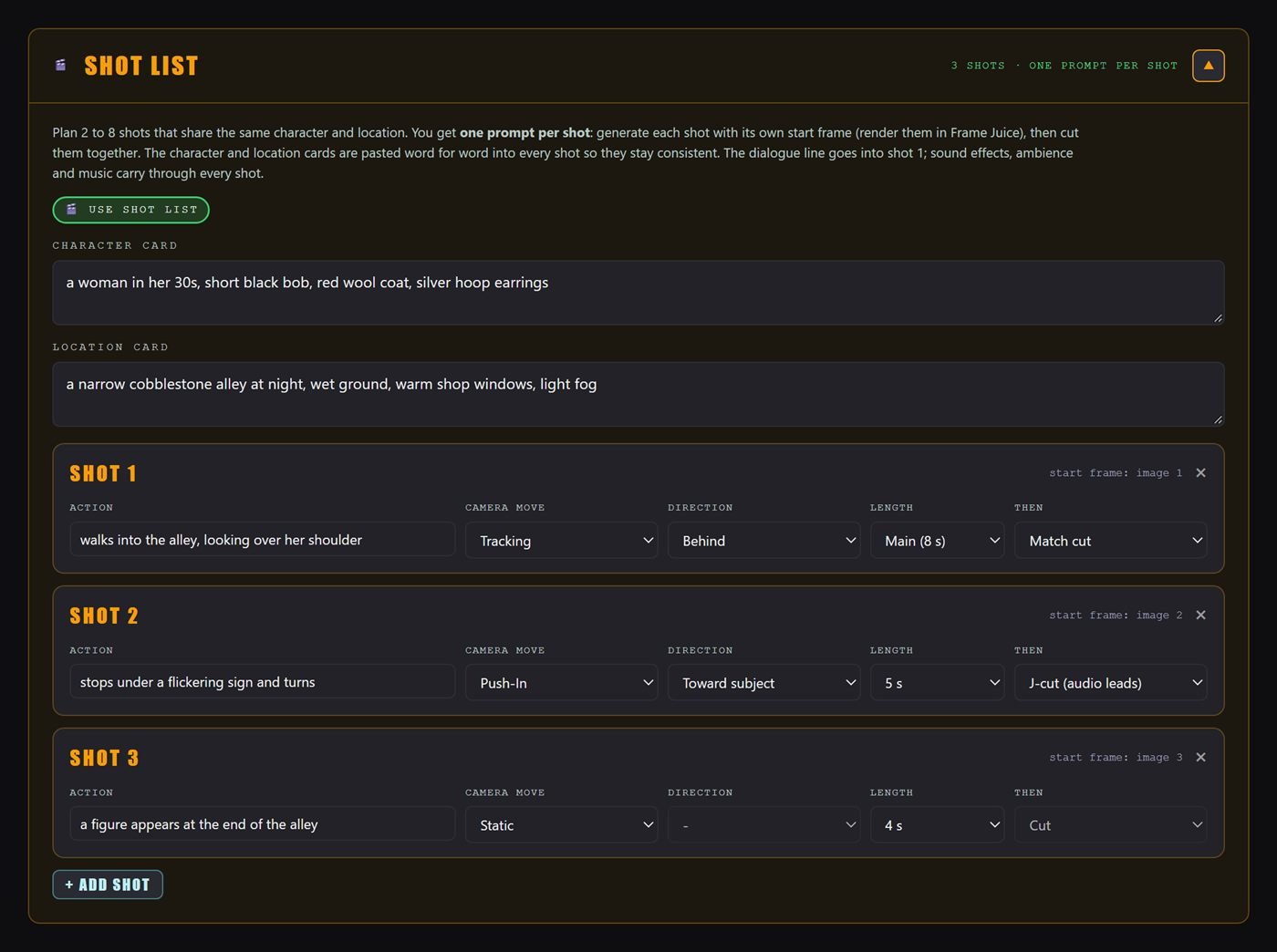
Plan 2 to 8 shots with the same character and location. Locked character and location cards are pasted word for word into every shot, so your story stays consistent from cut to cut.
- One prompt per shot, with its own move and length
- Cut, match cut and J-cut transitions
- Dialogue in shot one, sound carried through
10 checks before you pay for a render
Every platform has its own clip lengths, ratios and limits. Motion knows them and warns you before a mistake turns into a wasted generation.
- Length fits
- Ratio fits
- Motion load OK
- One camera move
- No on-screen text
- No tricky hands
- Dialogue fits
- Audio supported
- Prompt length OK
- Motion described
Dialogue, effects, ambience, music
For models that generate sound, Motion writes the audio in each platform's own syntax: dialogue in quotes with delivery, sound effects, room tone and music.
Split a clip into 2–4 timed steps so actions happen in the right order.
Clips that end where they begin, for cinemagraphs and backgrounds.
Disintegration, portals, hologram glitch, superpower charge, time freeze.
Keeps the face, outfit or whole look the same from first frame to last.
Rack focus, focus pulls, depth parallax, rolling shutter and camera shake.
24 fps film cadence, 60 fps slow motion, 12 fps stop-motion, shutter angle.
Roll new camera ideas, or vary the move and speed of a shot you like.
Save your own shots, restore past prompts, send a setup as a link.
Everything in one download
One HTML file with all 55 preset thumbnails. Opens in Chrome, Edge, Safari or Firefox. Nothing to install, no login, works offline.
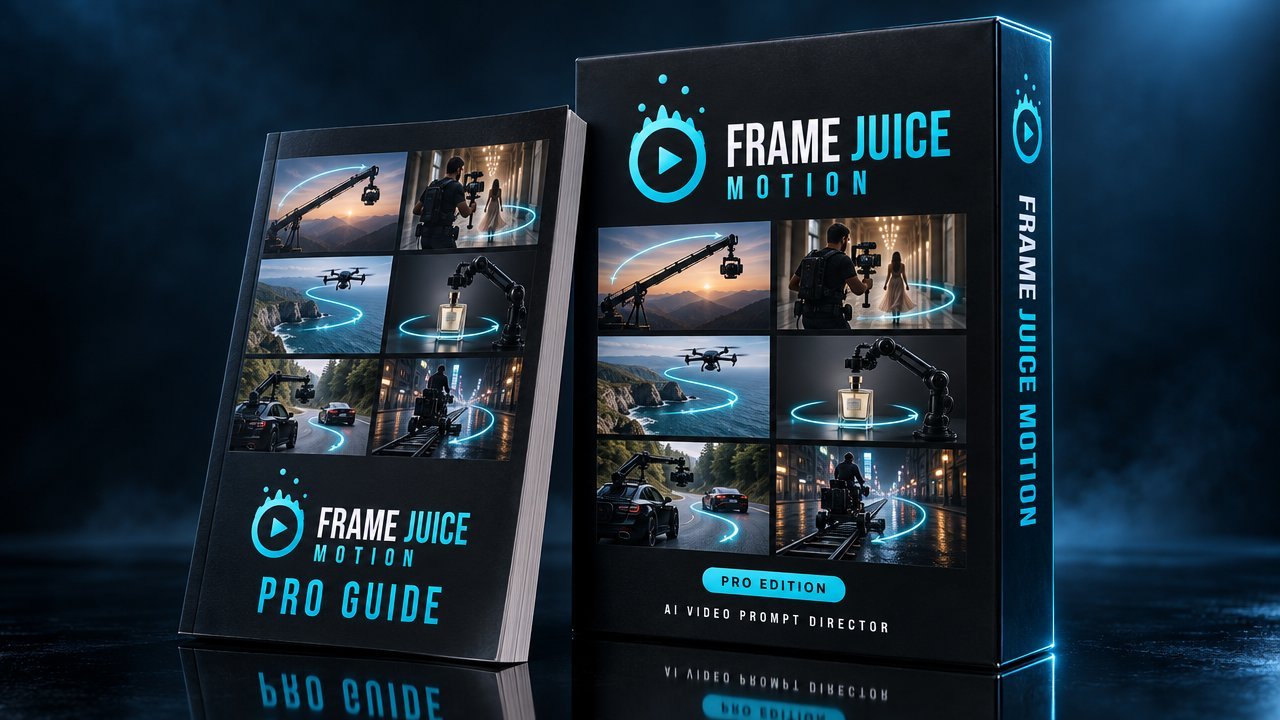
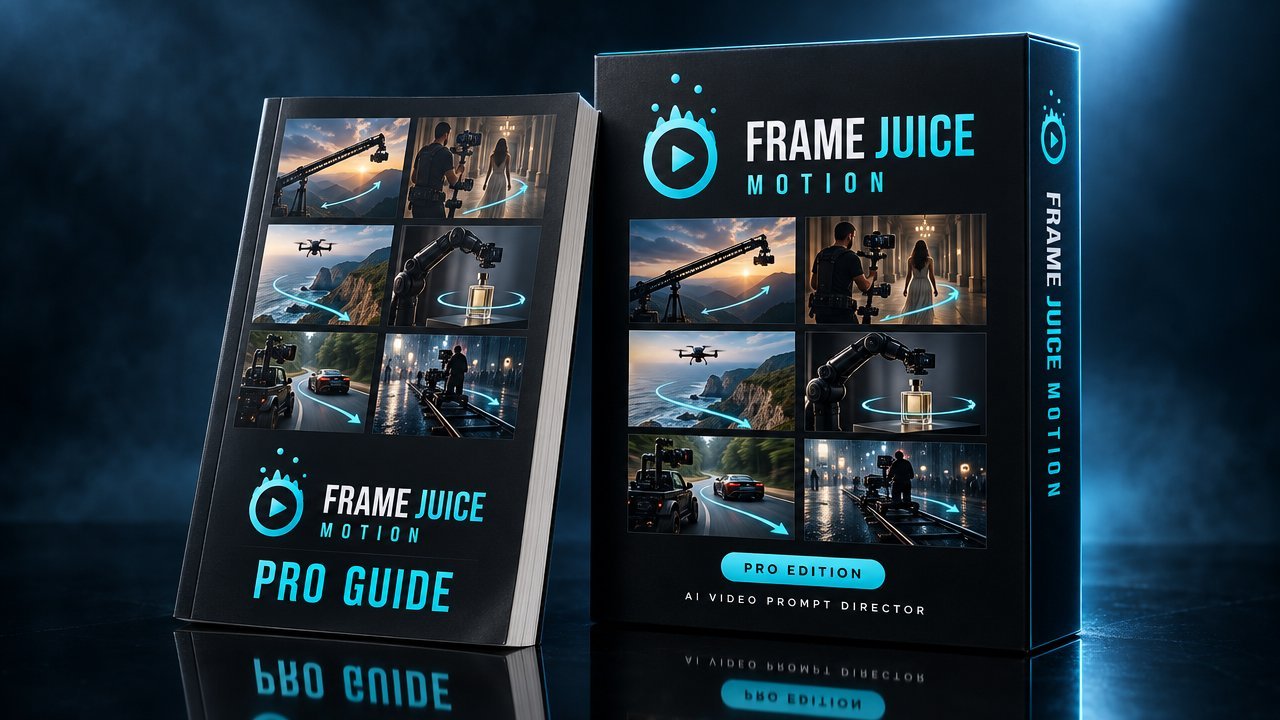
How professional crews move a camera, and how to make AI video models do the same. Every rig, move, lens and timing setting, with the exact words Motion adds.
Free vs Pro
| Free | Pro | |
|---|---|---|
| Motion presets | 9 | 55 |
| Director sections | 7, partly unlocked | All 18 |
| Easing & travel controls | – | ✓ |
| Veo, Kling, Runway, Seedance, Wan, ElevenLabs formats + JSON | Generic only | ✓ |
| Credit Saver & conflict warnings | – | ✓ |
| End frame, timeline beats, loops | – | ✓ |
| Native audio & shot list | – | ✓ |
| My Presets, History, Surprise Me, Variations | – | ✓ |
| Guide | 23 pages | 79 pages |
Fewer retries. Better shots.
no subscription, ever
- 55 motion presets in 8 categories
- 21 camera moves with full move control
- Start & end frames, beats, loops, shot list
- Native audio: dialogue, SFX, ambience, music
- Credit Saver: 10 checks per prompt
- Veo, Kling, Runway, Seedance, Wan, ElevenLabs + JSON
- 79-page Motion Pro Guide
🔒 Secure checkout by Lemon Squeezy · Taxes handled · Download link by email
Need the start frames too? Get Motion Pro + Image Pro for $34 and save $9.
FAQ
Does Motion make the videos?
No. Motion writes the prompt; your AI video tool renders the clip. It works with the platform and plan you already use, and keeps working as those models improve.
Which video models does it support?
Veo, Kling, Runway, Seedance, Wan and ElevenLabs each get their own format, with the camera, timing, audio and negative prompt placed where that model expects them. The Generic format and JSON export work anywhere else.
Do I need Frame Juice Image?
No. Motion works with any start image, or with text only. If you do use Frame Juice Image, paste its prompt into the start frame box and Motion reads the subject and aspect ratio for you.
How does it save credits?
The Credit Saver runs 10 checks on every prompt: clip length and ratio per platform, how much moves at once, two camera moves fighting, on-screen text, hands, dialogue length, audio support, prompt length and missing motion. It flags the things that usually cause a wasted render.
Is it a subscription?
No. You pay $24 once and the app is yours. No account, no monthly fee, no credits.
What do I need to run it?
Any modern browser: Chrome, Edge, Safari or Firefox, on Windows, Mac or Linux. Unzip and open the HTML file. It works on phones too, though a bigger screen is more comfortable.
Can I get Motion and Image together?
Yes. The Frame Juice Bundle has both Pro apps and all three guides for $34, one-time, instead of $43 when bought separately. Image Pro writes the start frame, Motion Pro directs the camera.
How do I get it after paying?
Checkout is handled by Lemon Squeezy. You get a download link straight away on screen and by email: a ZIP with the app, its thumbnails and the guide.
Direct like a filmmaker.
Prompt like a pro.
One avoided re-render on a premium video model can cover most of the price. $24, once.
Get Motion Pro $24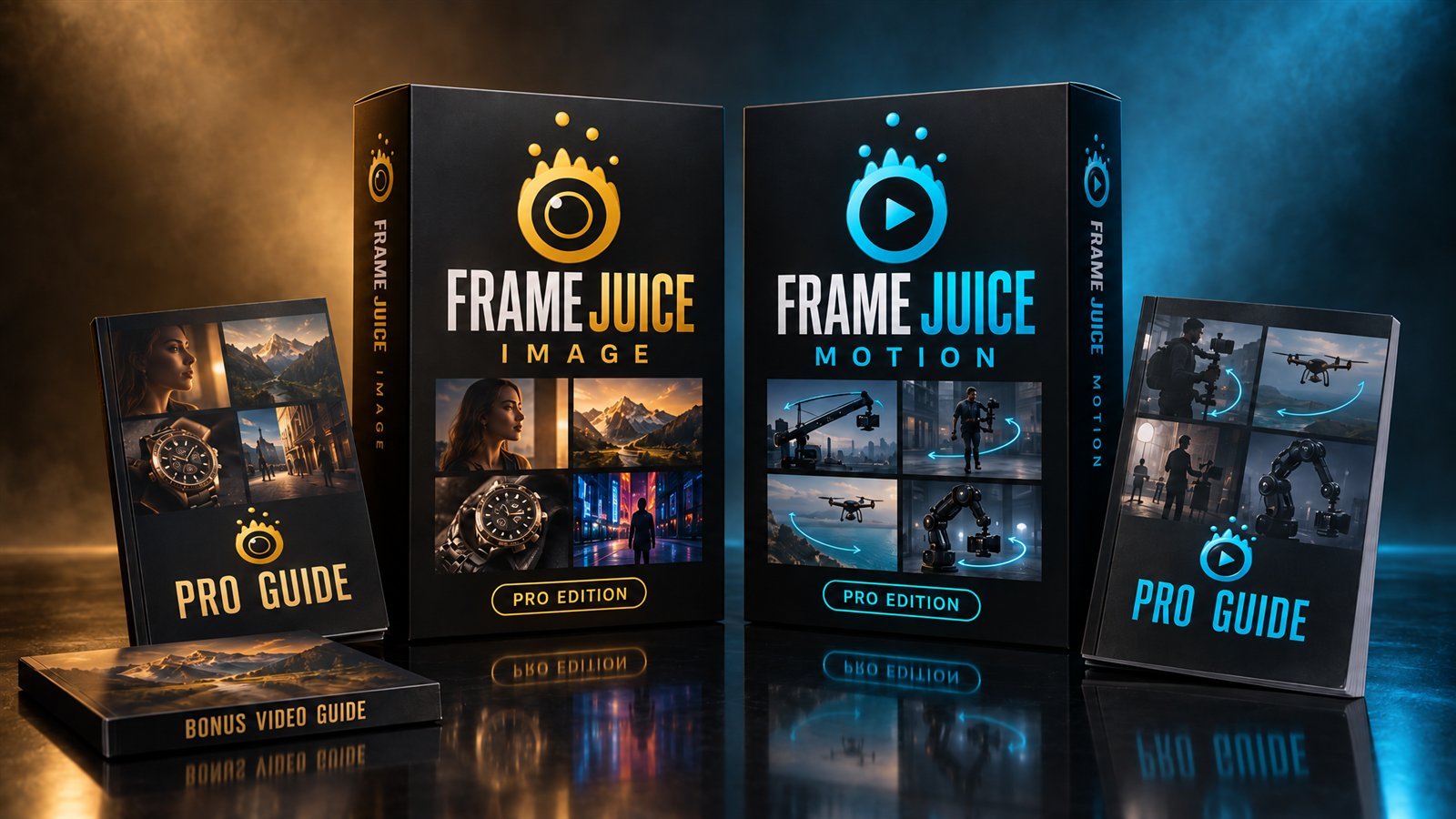
Frame Juice Image
The AI image prompt studio. 88 looks built from real cameras, lenses, light and film, for Midjourney, Stable Diffusion, Flux and GPT Image. Make the start frame, then make it move.
Or get both apps together: $34 instead of $43.