Pick the look.
Not the words.
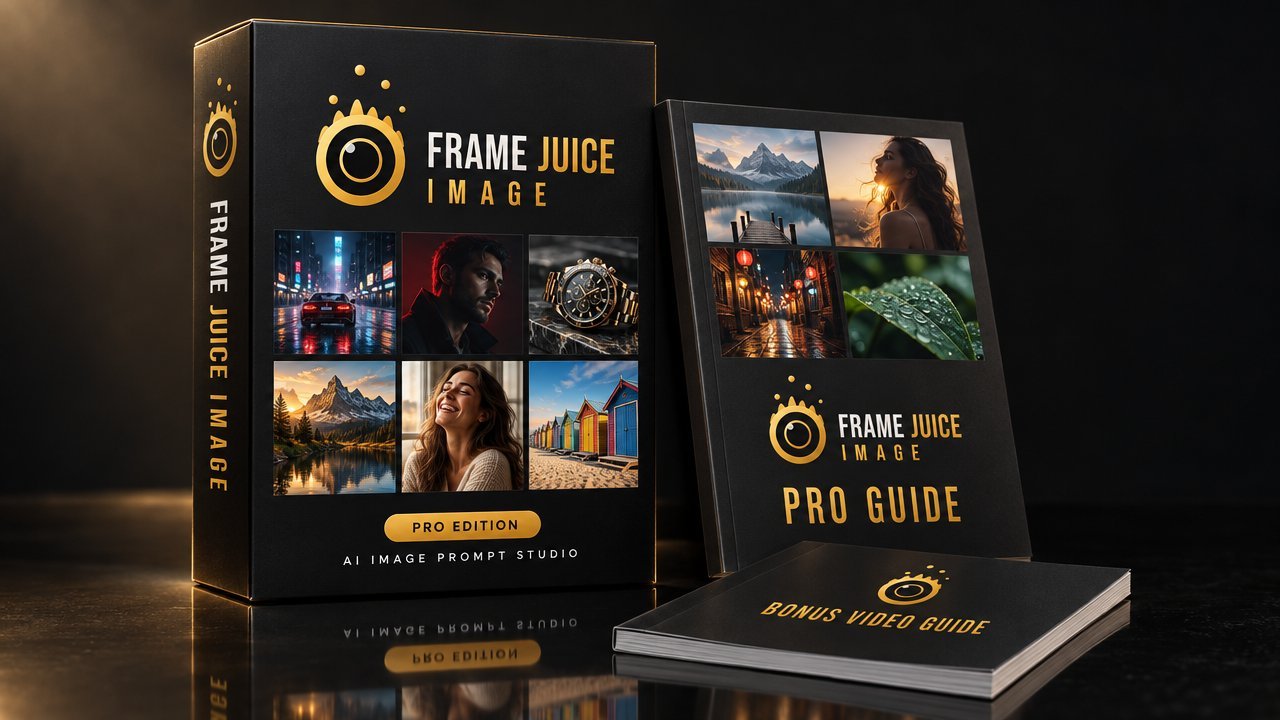
Frame Juice Pro turns the choices a photographer makes (camera, lens, light, film stock, colour grade) into a precise prompt, formatted for the AI tool you use. 88 one-click looks. 258 pro settings. No more guessing.
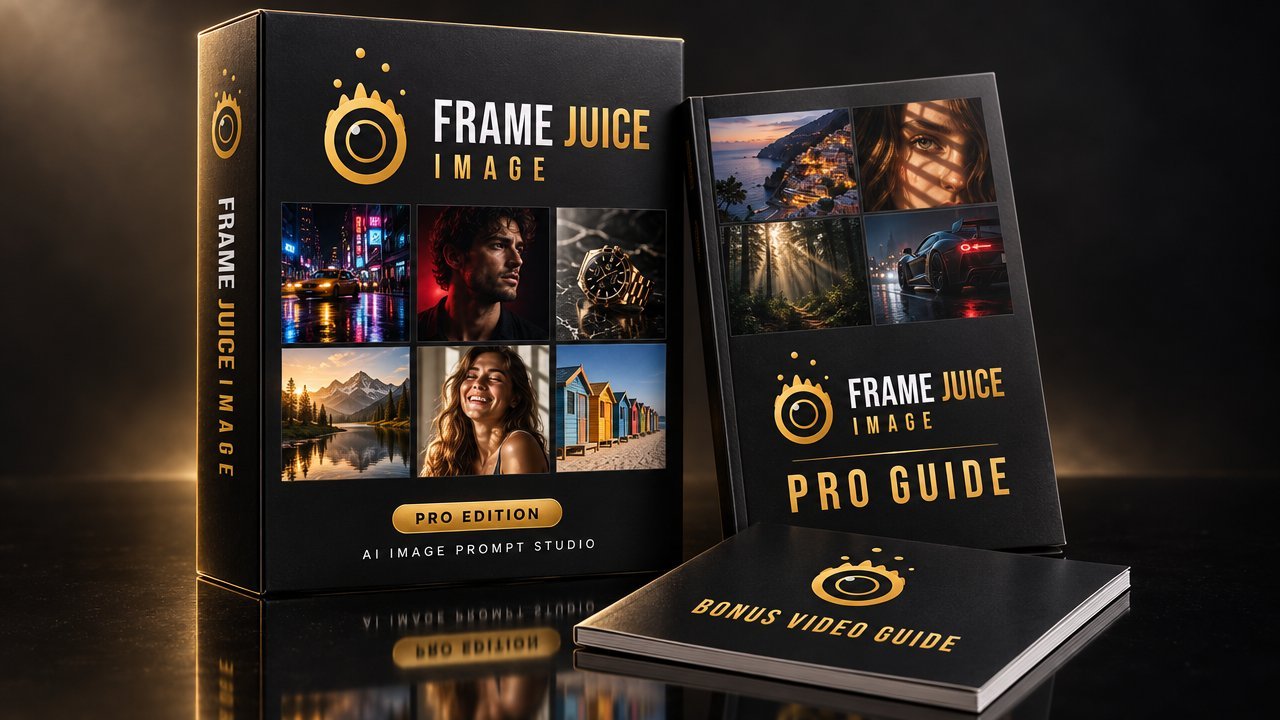
+ bonus video guide
Prompts formatted for
- Midjourney
- Stable Diffusion
- Flux
- GPT Image
- Gemini
- + any text-to-image tool
You can see the image in your head. The AI can't.
AI image models respond to the language of photographers and art directors. Most people don't speak it, so they get the same glossy, generic look as everyone else.
Vague in, generic out
"Cinematic, 8k, masterpiece" tells the model nothing about the lens, the light or the film. You get the default plastic look.
Endless rerolls
Twenty generations to fix the lighting. Every retry costs time, and on paid plans it costs credits too.
Every tool wants it differently
Midjourney wants --ar and --no. Stable Diffusion wants a separate negative prompt. Flux ignores it. Copied prompts break.
Type your scene. Click a look. Copy.
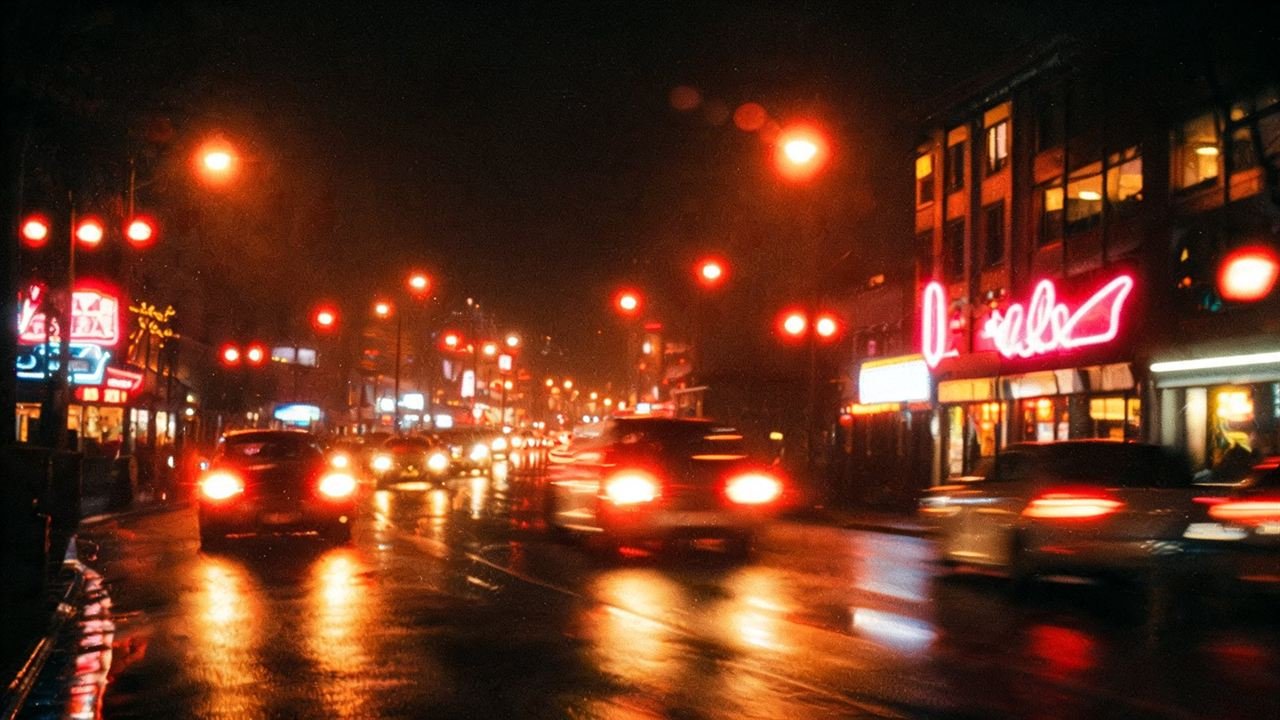
Below: the same scene, written the usual way and written by Frame Juice with one click on the Neon Night Film look, output set to Midjourney.
- No camera, lens or film stock
- "Cinematic" means something different every roll
- No negative prompt, no aspect ratio
A pro prompt in under a minute
Describe your scene
Foreground, subject, background. Just the content. Mark which layer is in focus and Frame Juice writes the depth for you.
Pick a look or build one
One click on a look fills every setting. Or dial it in yourself: shot size, angle, camera body, lens, light pattern, film stock, grade.
Copy for your tool
Choose Midjourney, Stable Diffusion, Flux or GPT Image. The prompt, parameters and negative prompt land in the right place. Paste and generate.
88 looks. One click each.
Film stocks, lenses, cinema cameras, 3D, illustration, painting and seasonal specials. Every look sets the camera, lens, light, grade and ratio for you. Hover to see what's inside.
Go past presets
The looks are the fast lane. These are the tools that make images nobody else has.
Blend two looks into a new one
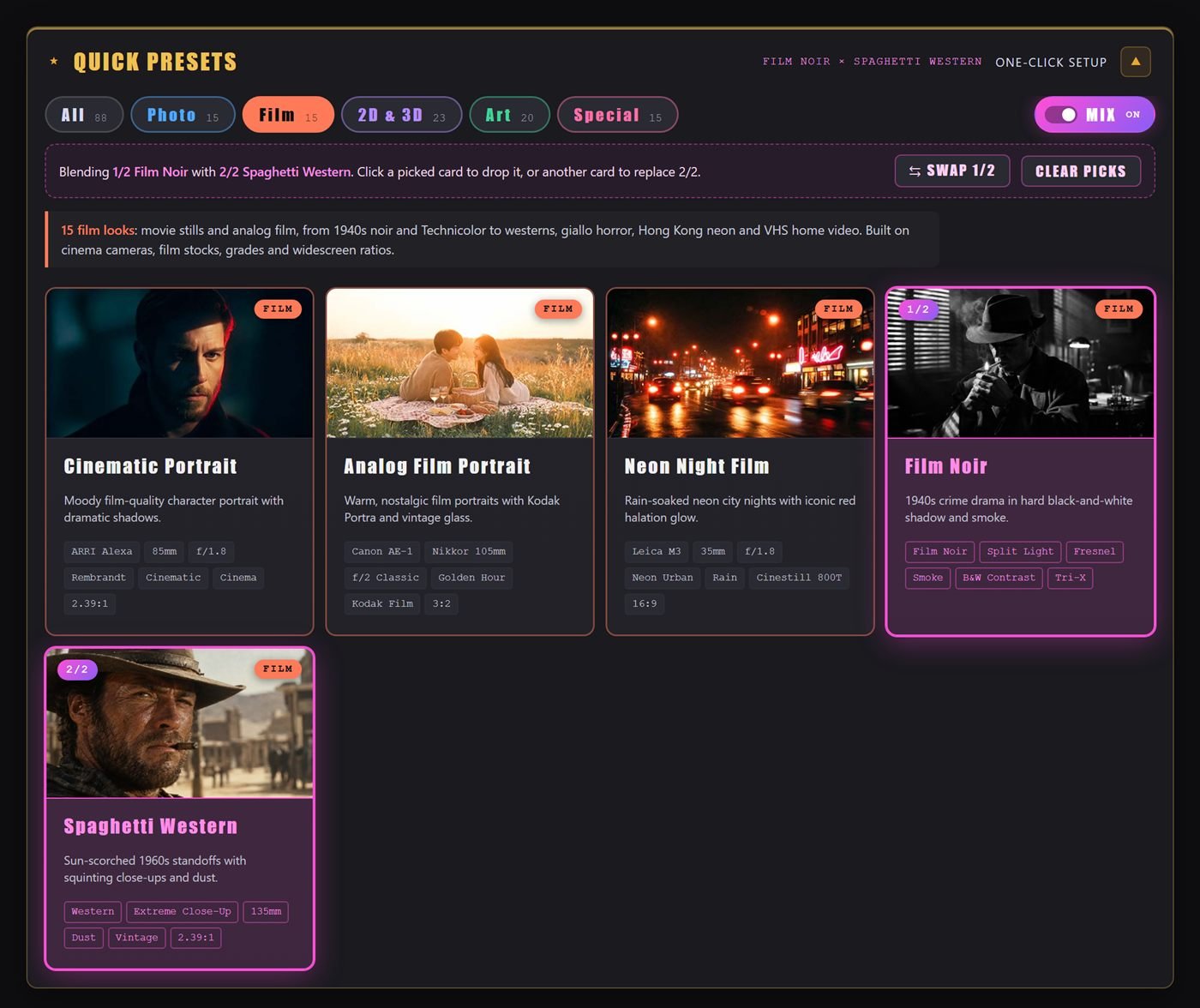
Switch on MIX, pick two looks and Frame Juice fuses them: the camera of one, the mood of the other. Film Noir × Spaghetti Western. Claymation × Neon Night. Thousands of combinations.
- Swap which look leads with one click
- Style sections are blended, not overwritten
- Save the result as your own preset
Rebuild anything out of anything
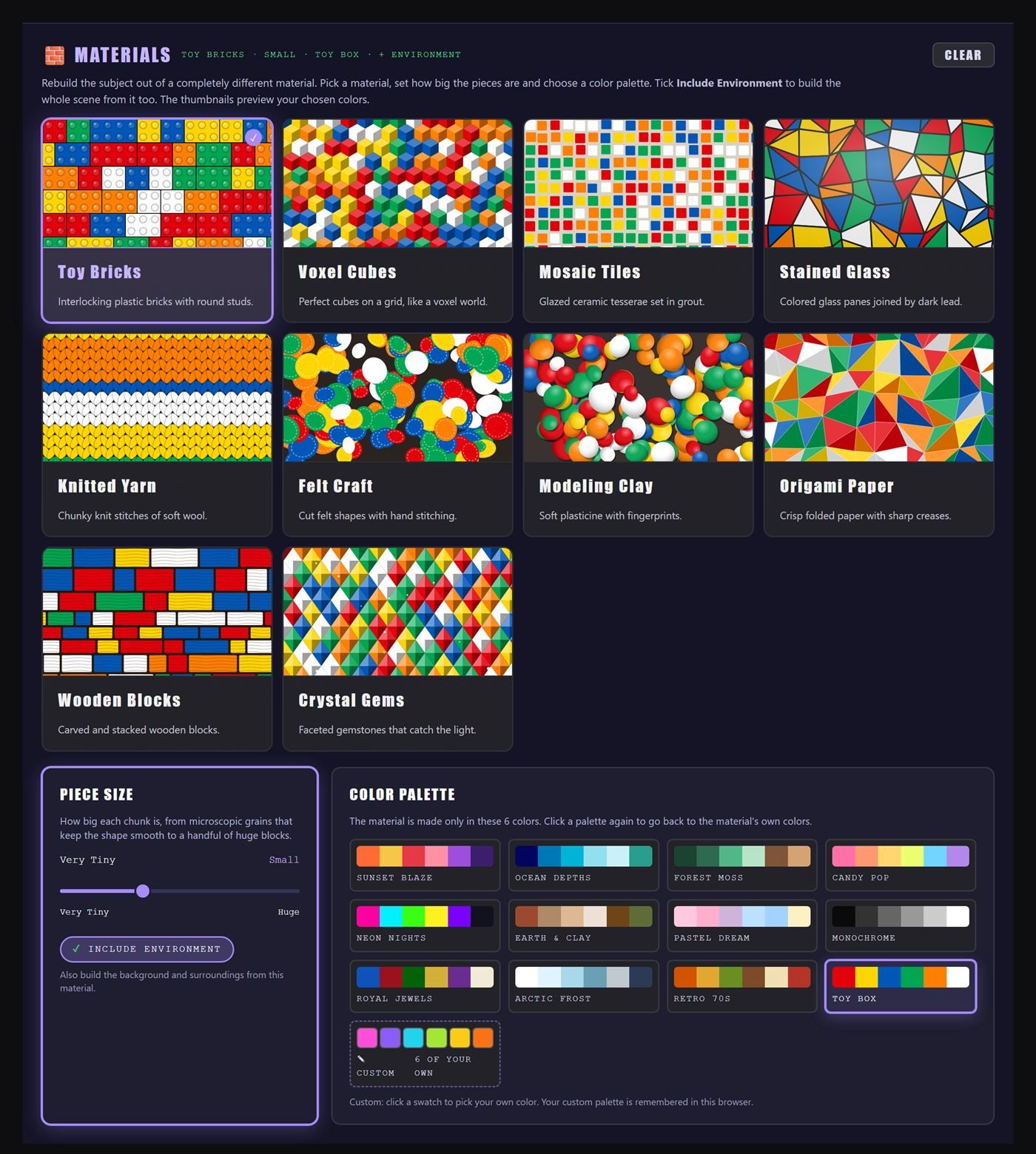
Turn your subject (or the whole scene) into toy bricks, stained glass, knitted yarn, liquid chrome, ice shards, neon tubes and 19 more. Set the piece size and pick a colour palette.
- 25 materials with live previews
- Piece size from fine grain to huge blocks
- 12 palettes plus your own 6 colours
Formatted for the tool you actually use
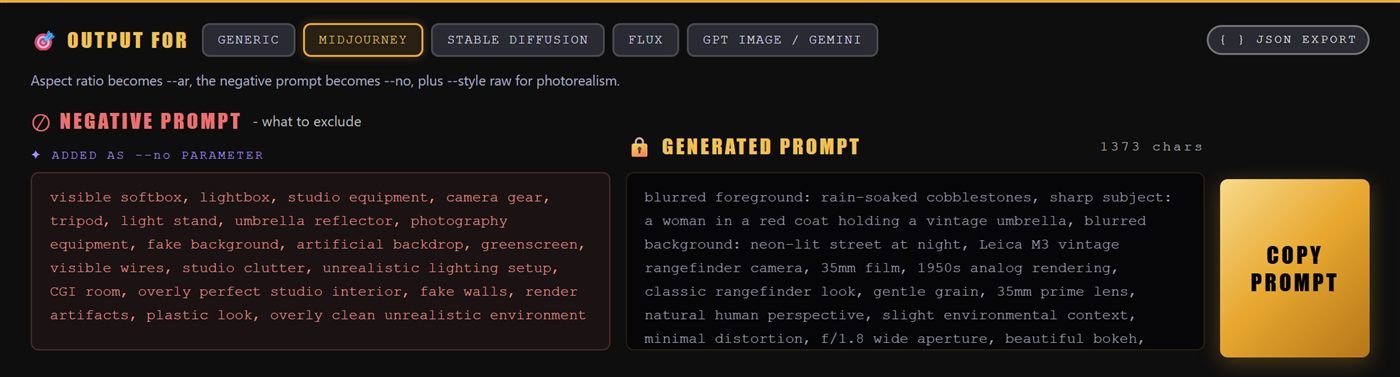
One click switches the whole prompt between formats. The negative prompt goes where each model expects it, and Midjourney gets real parameters.
- Midjourney: --ar --style raw --no, plus --s --c --w --seed --sref --oref
- Stable Diffusion: separate negative prompt
- Flux, GPT Image and Gemini: clean natural language
- JSON export for pipelines and ComfyUI
Catches clashes before you generate
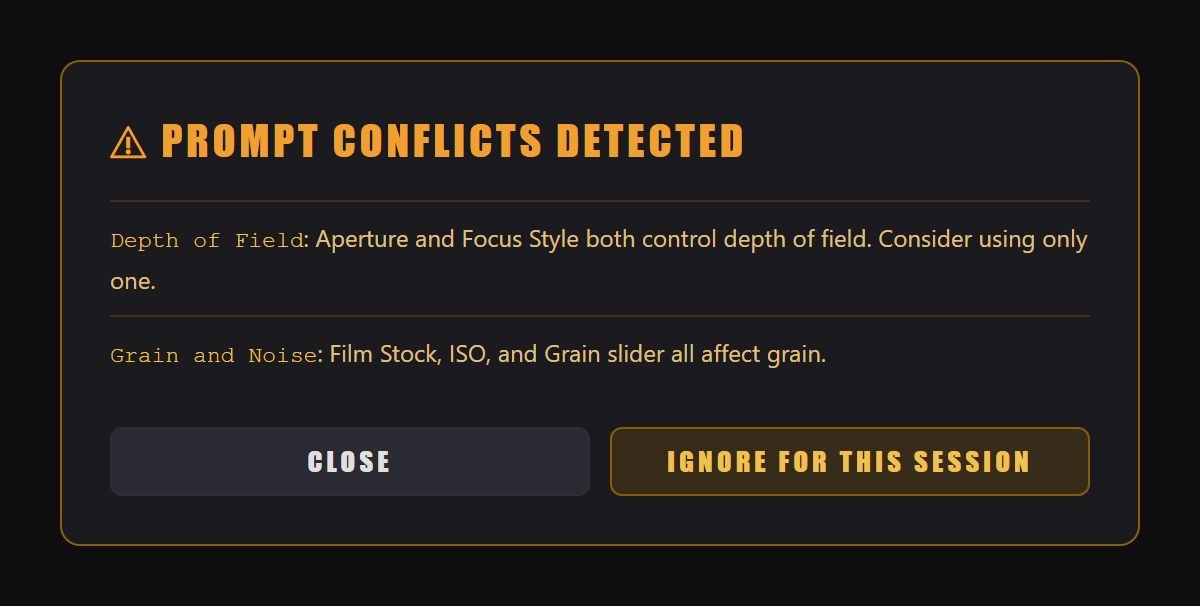
Golden hour and a night scene? Pinhole camera and razor-sharp detail? Frame Juice spots settings that fight each other and tells you, so you don't waste a generation finding out.
Rolls a fresh combination when you're stuck for ideas.
Generates versions of your look with a different lens, light or angle.
Save a look you love, name it, reuse it on every new scene.
Every prompt you copied, one click to restore.
Send a look to a friend or client as a link that opens the exact setup.
Presets plus custom shapes like 21:9 or 1.85:1.
Halation, vignette, grain, bleach bypass, chromatic aberration, focus style and more.
Tell the model what each reference is for: style, subject or composition.
Everything in one download
One HTML file with all 88 look thumbnails. Opens in Chrome, Edge, Safari or Firefox. Nothing to install, no login, works offline.
Every setting explained: what it tells the AI and the exact words it adds to your prompt. A photography course hidden in a manual.
25 tips for turning your Frame Juice images into AI video: camera moves, parallax, the 180° rule and sound.
Free vs Pro
| Free | Pro | |
|---|---|---|
| One-click looks | 6 | 88 |
| Settings | Core options | All 258 |
| Finishing extras | 2 | 13 |
| Preset Mix & Materials | – | ✓ |
| Midjourney, SD, Flux, GPT Image formats + JSON | Generic only | ✓ |
| Model settings & reference images | – | ✓ |
| Custom aspect ratios | – | ✓ |
| Conflict warnings | – | ✓ |
| My Presets, History, Surprise Me, Variations, Share | – | ✓ |
| Guide | 24 pages | 91 pages + 19-page bonus |
Stop guessing. Start directing.
no subscription, ever
- 88 one-click looks in 5 categories
- 258 camera, lens, light and film settings
- Preset Mix + 25 Materials
- Midjourney, SD, Flux, GPT Image formats + JSON
- 91-page Pro Guide + 19-page video bonus
- Runs in your browser. Private, offline, no account
🔒 Secure checkout by Lemon Squeezy · Taxes handled · Download link by email
Want your images to move too? Get Image Pro + Motion Pro for $34 and save $9.
FAQ
Does Frame Juice make the images?
No. Frame Juice writes the prompt; your AI image tool makes the image. That means it works with the tool and plan you already use, and it keeps working as those tools get better.
Which AI tools does it work with?
It has dedicated formats for Midjourney, Stable Diffusion (including ComfyUI), Flux and GPT Image / Gemini. The Generic format works in any other tool that takes a text prompt.
Is it a subscription?
No. You pay $19 once and the app is yours. No account, no monthly fee, no credits.
What do I need to run it?
Any modern browser: Chrome, Edge, Safari or Firefox, on Windows, Mac or Linux. Unzip the download and open the HTML file. It also works on tablets and phones, though a bigger screen is more comfortable.
Is my work private?
Yes. Everything runs on your own computer. Your presets and history are stored in your browser and never sent anywhere.
I'm a beginner. Is this too advanced?
It's built for exactly that. Start with a look, type your scene and copy. Every card explains what it does in plain words, and the 91-page guide teaches the photography behind each setting.
Can I get Image and Motion together?
Yes. The Frame Juice Bundle has both Pro apps and all three guides for $34, one-time, instead of $43 when bought separately. Image Pro writes the start frame, Motion Pro directs the camera.
How do I get it after paying?
Checkout is handled by Lemon Squeezy. You get a download link straight away on screen and by email: a ZIP with the app, its thumbnails and both guides.
Click like a photographer.
Prompt like a pro.
88 looks, 258 settings and a 91-page guide for less than a month of most AI subscriptions. Once.
Get Frame Juice Pro $19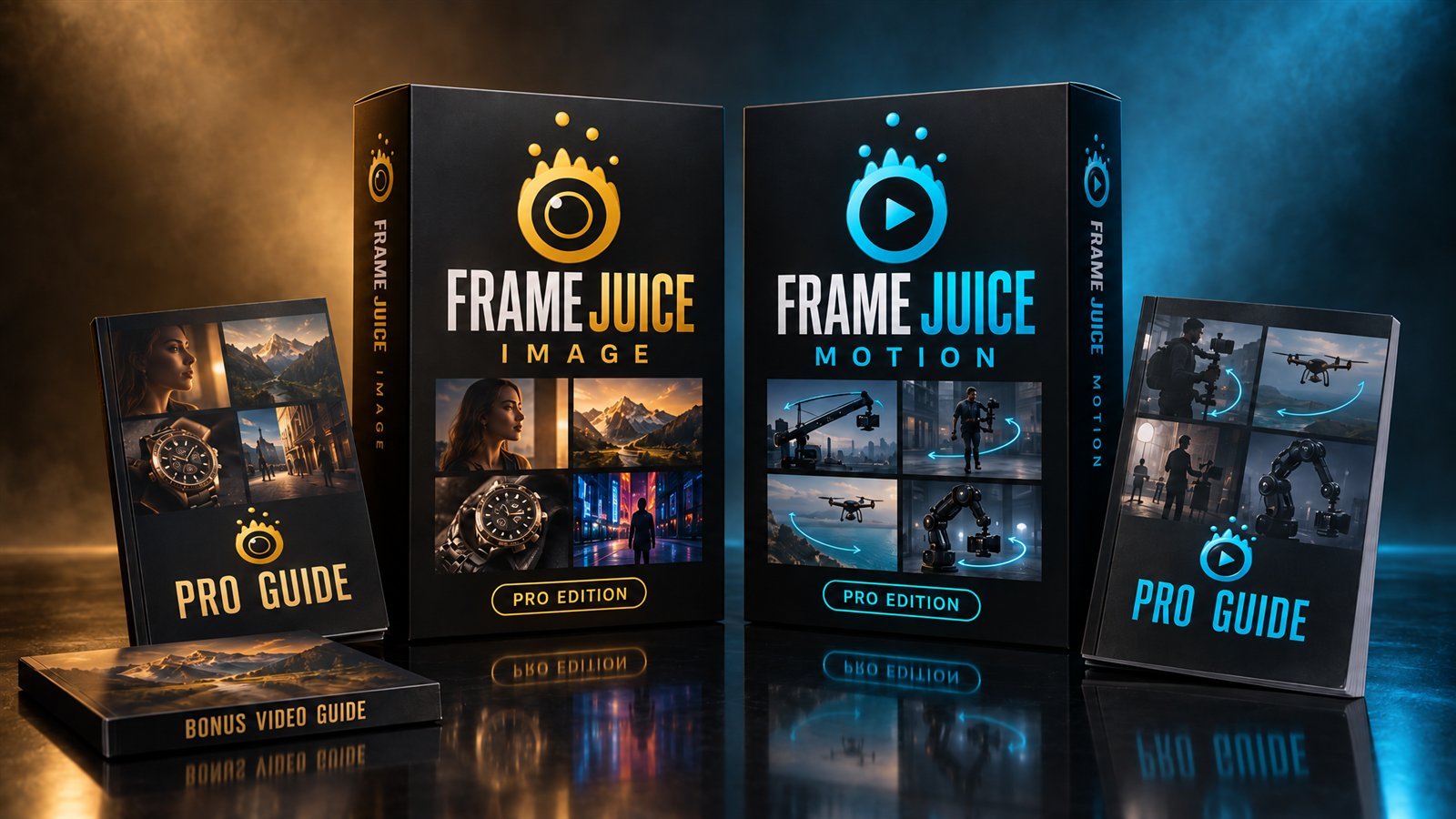
Frame Juice Motion
The AI video prompt director. Use your Frame Juice image as the start frame and direct the camera move, lens and timing for Veo, Kling, Runway and more.
Or get both apps together: $34 instead of $43.