Choose the look first: a better way to write AI image prompts

Most AI image prompts start with the subject: “a fox in a forest”. The model fills in everything else on its own: lighting, lens, colour, medium. That's why first results often look generic. The subject was clear, but the look was left to chance.
Flip the order. Decide the look first, then add the subject. You'll get closer on the first try, and the results stay consistent across a series.
What a look actually contains
A look isn't one word like “cinematic”. It's a bundle of decisions that work together:
- Medium: photograph, oil painting, clay, papercraft, 3D render, woodblock print.
- Light: hard key light, soft window light, neon, golden hour, overcast.
- Lens and framing: wide 24mm, portrait 85mm, macro, low angle, centred.
- Colour: high contrast black and white, pastel, vibrant pop, muted film.
- Texture: film grain, brush strokes, fingerprints in clay, halftone dots.
When these agree with each other, the image feels deliberate. When they fight, such as soft pastel colours with hard noir lighting, the model compromises and the result looks muddy.
Three looks, one subject
Take the same subject, a fox in a forest, and change only the look:
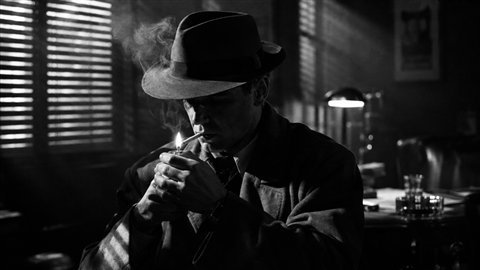
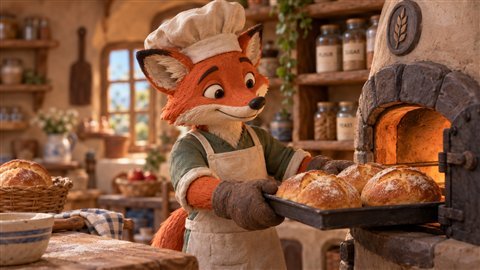
Same subject, three completely different images, and each one is coherent because every part of the prompt points the same way.
Write it for your model
Different models like the same idea phrased differently:
- Midjourney works well with short, comma-separated descriptions plus parameters such as
--ar 16:9or--style raw. - Flux and Stable Diffusion follow detailed natural language well, and benefit from explicit lens and light terms.
- GPT Image and Gemini respond best to full sentences, as if you were briefing a photographer.
A quick checklist
- Pick the look before the subject.
- Check the medium, light, lens, colour and texture all agree.
- Add the subject and the composition.
- Format it for the model you're using.
Frame Juice Image bundles each look with 258 camera, lens and light settings and warns you when choices conflict.
More articles
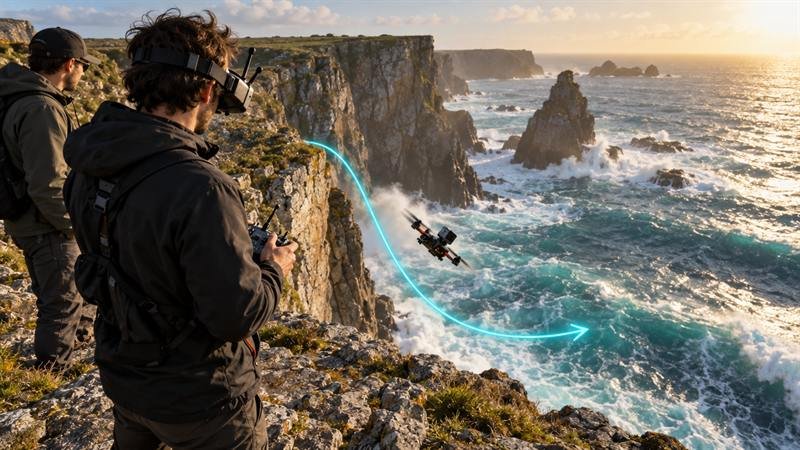
Camera moves for AI video: a working vocabulary
Push-in, orbit, crane, FPV: the camera words that make Veo, Kling and Runway move the way you mean, with example prompts.
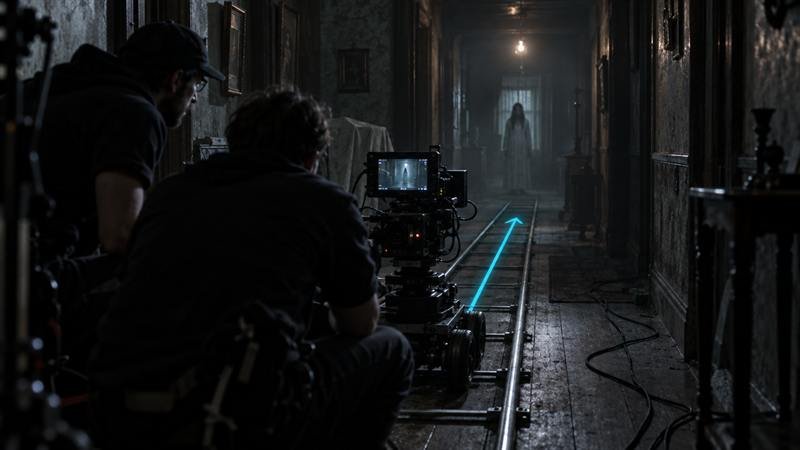
Five checks before you spend credits on AI video
Length, aspect ratio, motion load, hands and text: the five things to check in an AI video prompt before you render.