Camera moves for AI video: a working vocabulary
AI video models respond well to the words a camera operator uses. Ask for “a cool shot of a car” and you get whatever the model guesses. Ask for “a low tracking shot alongside the car, camera moving at the same speed” and you get much closer to the shot in your head.
This is a working vocabulary: the moves that Veo, Kling, Runway and similar models understand most reliably, what each one does to the viewer, and how to write it into a prompt.
Start with one move per shot
The most common mistake is stacking moves: an orbit, a crane up and a zoom in one five-second clip. The model tries to do all of them and usually does none of them well. Pick the one move that tells the story of the shot. If you need two, make two shots.
Name the move, the speed and where the camera ends. That's most of the prompt.
The core moves
Push-in and pull-out
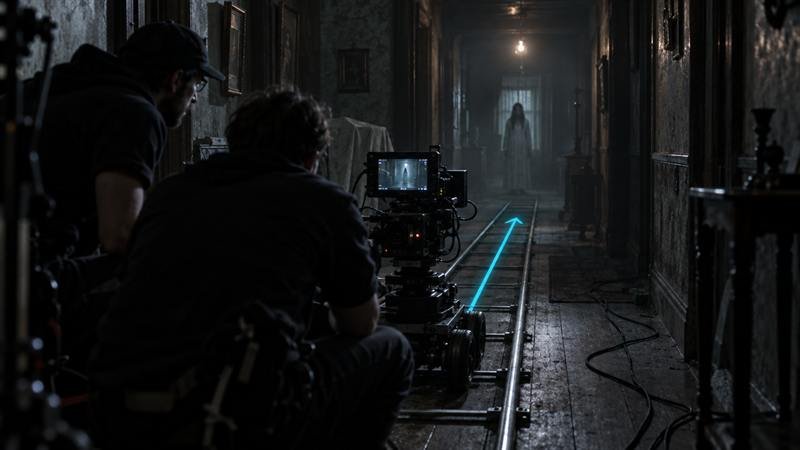
The camera moves toward or away from the subject. A slow push-in builds tension or intimacy; a pull-out reveals context, often to show the subject is smaller or more alone than we thought.
Orbit
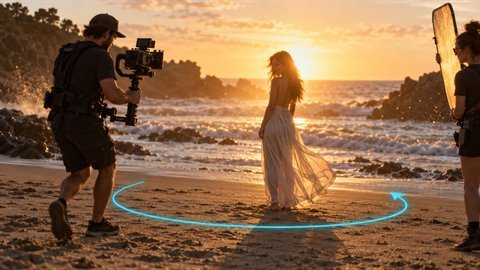
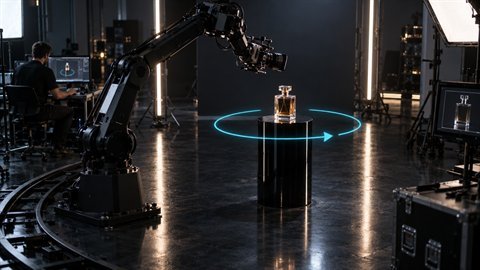
The camera circles the subject while keeping it centred. It makes a subject feel important and shows it from every side, which is why it's a favourite for products and hero moments.
Crane up and crane down
The camera rises or lowers vertically. Craning up and away from a character is a classic ending; craning down into a scene is a classic opening.
Tracking shot
The camera travels alongside or behind a moving subject at the same speed. It keeps the subject in frame while the background moves, which gives a strong sense of speed and direction.
FPV dive
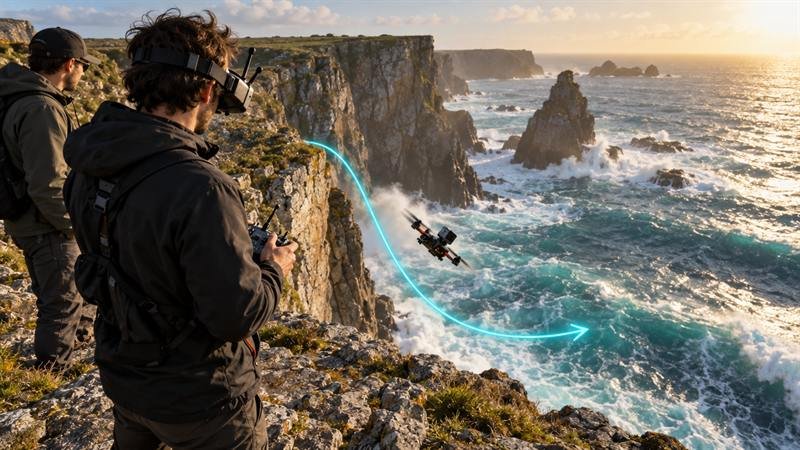
A first-person drone move: fast, swooping, low to the ground or over an edge. It's high energy and works best with simple, open environments.
Locked-off (static)
No camera movement at all. It's underrated: when the subject moves a lot, a static camera keeps the shot readable. Say it explicitly, or the model may add drift.
Add speed and an end frame
Words like slow, steady, fast and sudden change the result more than you'd expect. Saying where the camera ends (“ends on a close-up of the key”) gives the model a target, so the move finishes instead of drifting.
Some models also accept a start frame and an end frame as images. That's the most reliable way to control a move: the model only has to get from A to B.
Put it together
A complete camera prompt usually has five parts: the move, the speed, the camera height or lens, the subject, and where the move ends.
Frame Juice Motion has 55 motion presets and 21 camera moves, written out for Veo, Kling, Runway, Seedance and Wan.
More articles

Choose the look first: a better way to write AI image prompts
Start from a look such as Film Noir or Claymation, then set lens and light. Why it beats a blank prompt in Midjourney, Flux and GPT Image.
Five checks before you spend credits on AI video
Length, aspect ratio, motion load, hands and text: the five things to check in an AI video prompt before you render.