Five checks before you spend credits on AI video
AI video costs credits, and a failed render costs the same as a good one. Most failures can be spotted in the prompt before you press generate. These are the five checks worth doing every time.
1. Length: does the action fit the clip?
Most models generate short clips, often five to ten seconds. A prompt that describes a whole scene (she walks in, picks up the letter, reads it, starts crying) won't fit. The model rushes it or skips steps. Describe one action that fits the clip, and split longer moments into a shot list.
Fits: close-up, she reads the letter, her expression slowly breaks.
2. Aspect ratio: where will it be shown?
Decide the ratio before you render, not after. Cropping a 16:9 clip to 9:16 for Reels or Pinterest throws away most of the frame and often cuts off the subject. Render vertical content as vertical from the start, and compose for it: subject centred, room above and below.
3. Motion load: is too much moving?
A moving camera, a moving subject, moving weather and a moving background, all at once, is where AI video tends to smear and warp. Keep the total amount of motion manageable. If the subject moves fast, keep the camera calm. If the camera does something dramatic, keep the subject simple.
4. Hands: are they doing something hard?
Hands are still a weak spot. Typing, playing piano, tying laces or counting on fingers often goes wrong in motion. If hands aren't the point of the shot, keep them out of frame or still. If they are the point, keep the action simple and slow, and frame close.
5. Text: does anything need to be readable?
Signs, labels, screens and logos in AI video often come out as nonsense letters or change between frames. If you need readable text, add it afterwards in an editor. In the prompt, describe the sign as “a neon sign” rather than asking for specific words.
Make it a habit
Run through the five checks: length, ratio, motion load, hands and text. It takes seconds and saves the most common failed renders.
The Credit Saver in Frame Juice Motion checks length, ratio, motion load, hands and text before you spend a credit.
More articles
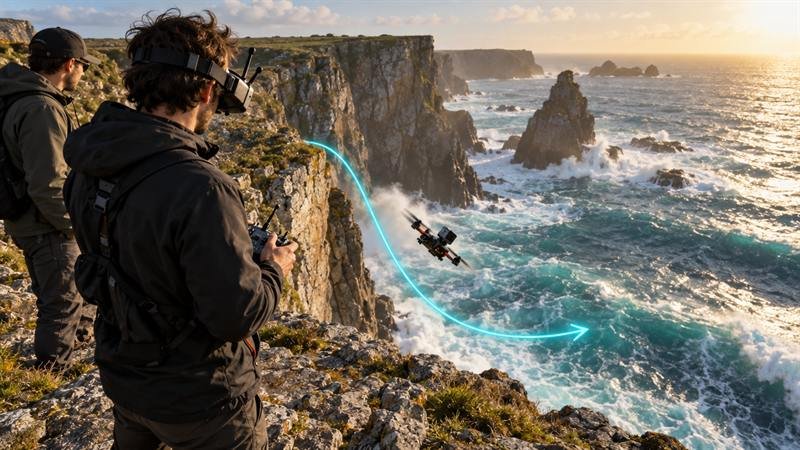
Camera moves for AI video: a working vocabulary
Push-in, orbit, crane, FPV: the camera words that make Veo, Kling and Runway move the way you mean, with example prompts.

Choose the look first: a better way to write AI image prompts
Start from a look such as Film Noir or Claymation, then set lens and light. Why it beats a blank prompt in Midjourney, Flux and GPT Image.