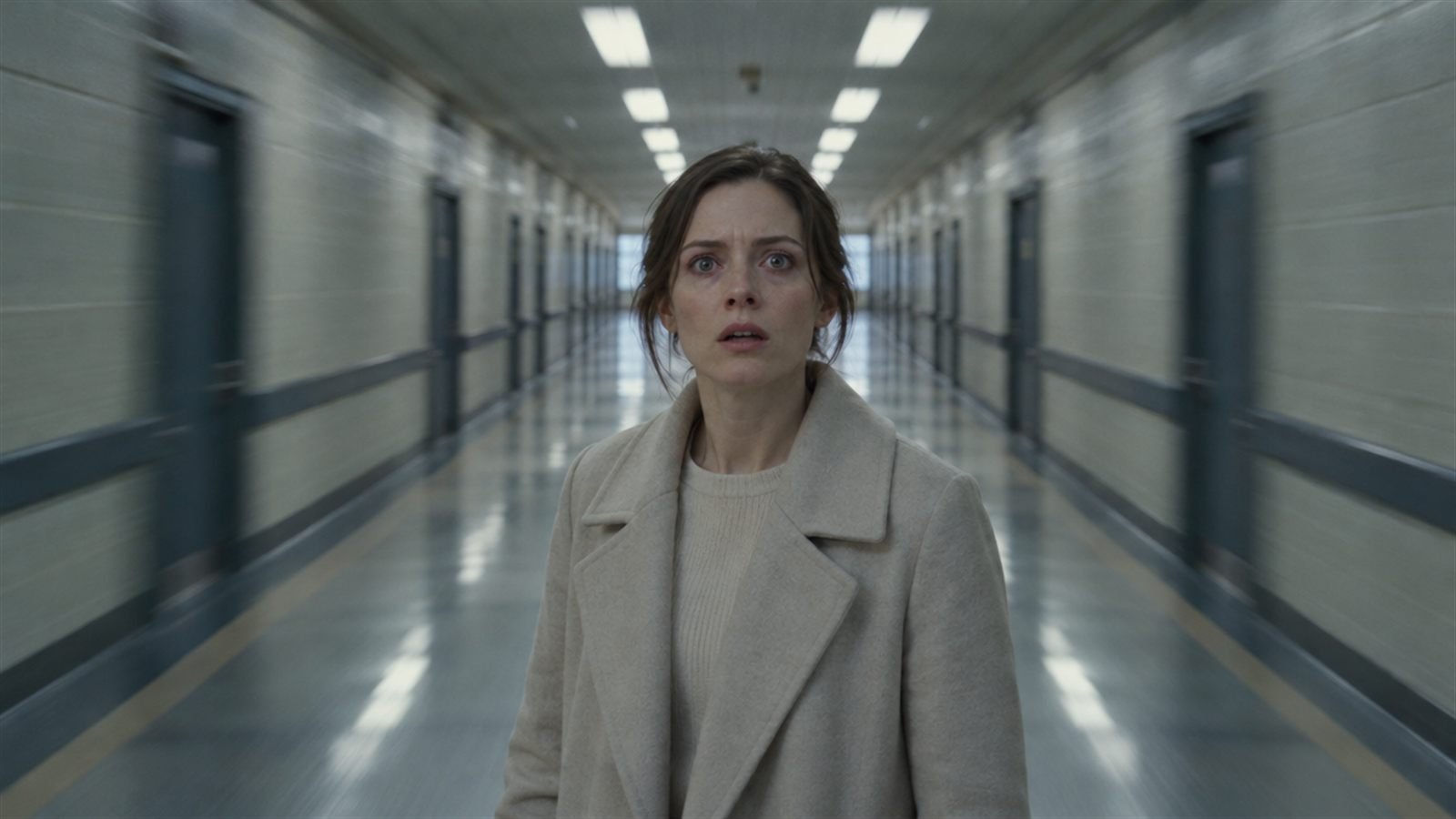
Most camera moves are quiet servants of the story. A few are loud on purpose: the dolly zoom that makes the world stretch around a terrified face, the whip pan that throws you from one moment to the next, the crash zoom that punches in like a slap, and the slow, patient horror push-in toward a dark doorway. They're the hardest moves to get from an AI model, and the most memorable when they work.
With Halloween coming up, here's how to prompt all four. For the everyday moves (push-in, orbit, crane, FPV), start with our camera moves vocabulary.
The dolly zoom (the “vertigo” shot)
What it is: the camera physically moves backward while the lens zooms in, at exactly the rate that keeps the subject the same size in the frame. The subject stays put. The background stretches or collapses around them. Hitchcock made it famous, and it became the visual shorthand for a sudden, sickening realisation.
Why it's hard: it's two opposing motions that must cancel out perfectly. Models often do just one of them.
How to write it: name it and describe the effect, not only the mechanics.
Tips: use a strong background with clear lines (corridors, streets, stairwells) so the stretch is visible. Keep the subject centred and still. Slow is more unsettling than fast.
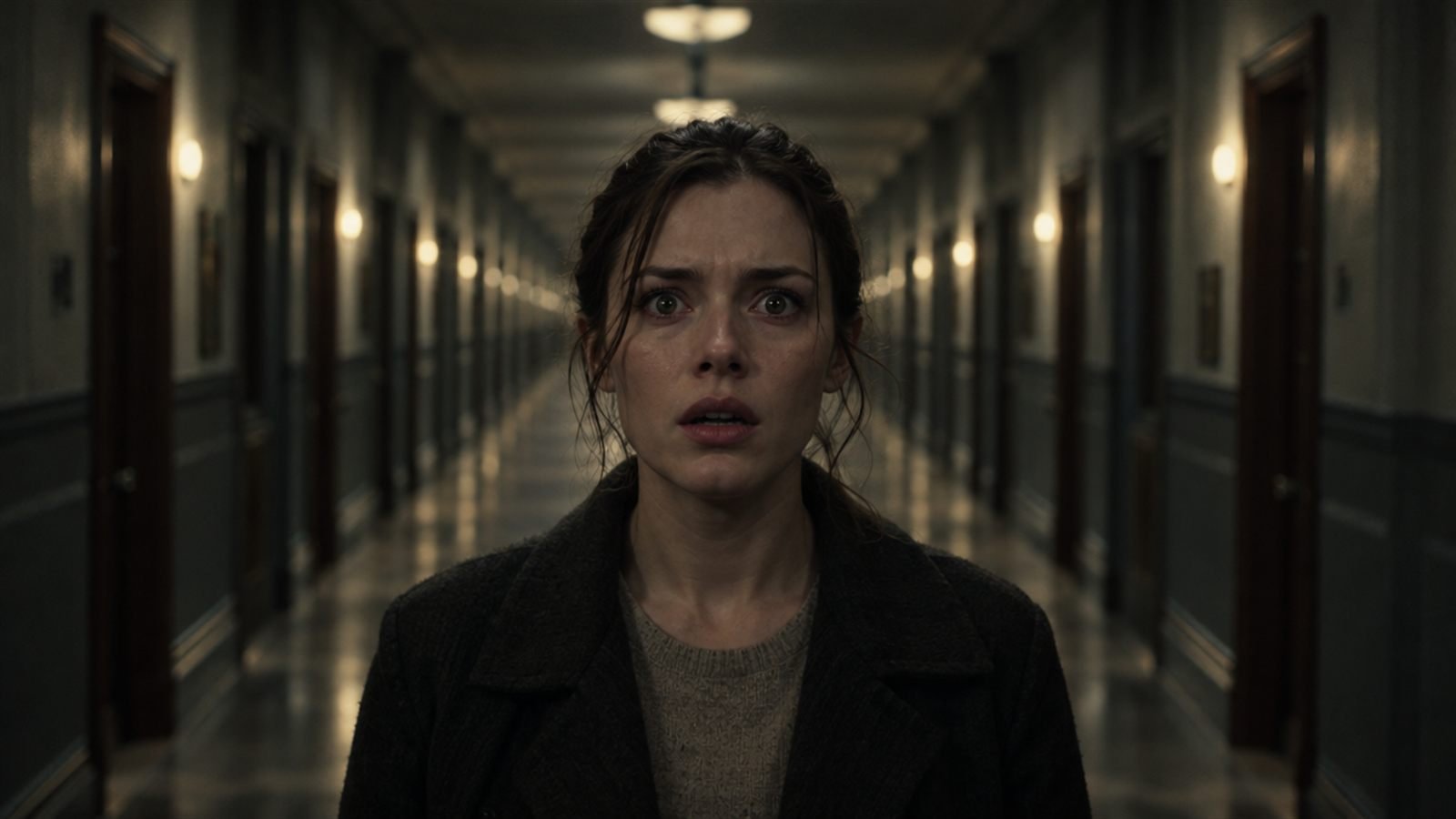
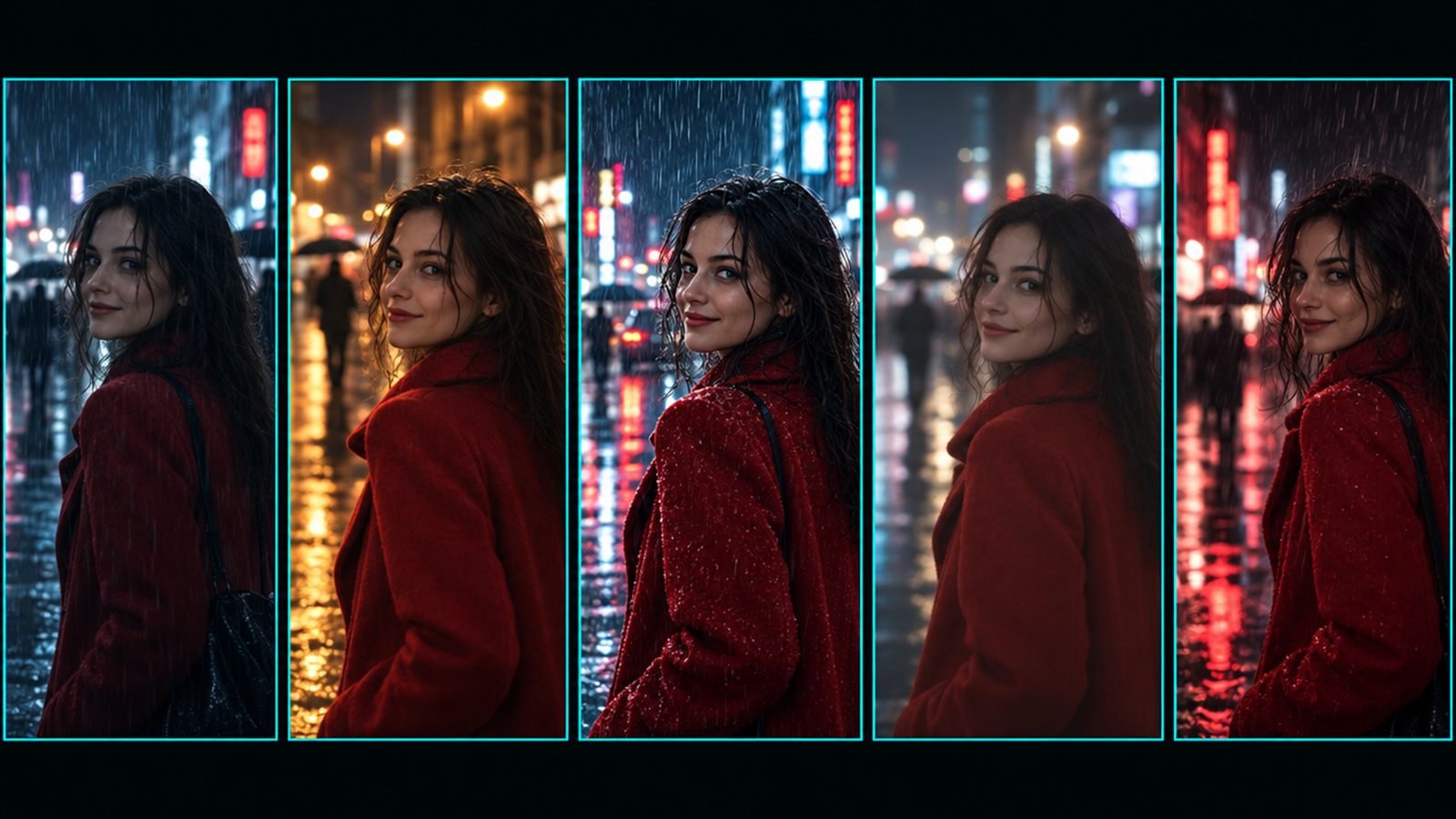
The prompt behind this image:
The whip pan
What it is: a pan so fast the whole frame smears into motion blur. It's used as an energetic transition: whip away from one thing, land on another.
How to write it:
Say where it lands, or the model may whip into nothing.
Tips: whip pans are perfect as the end of one clip and the start of the next. Cut the two together in the middle of the blur and the transition is invisible.
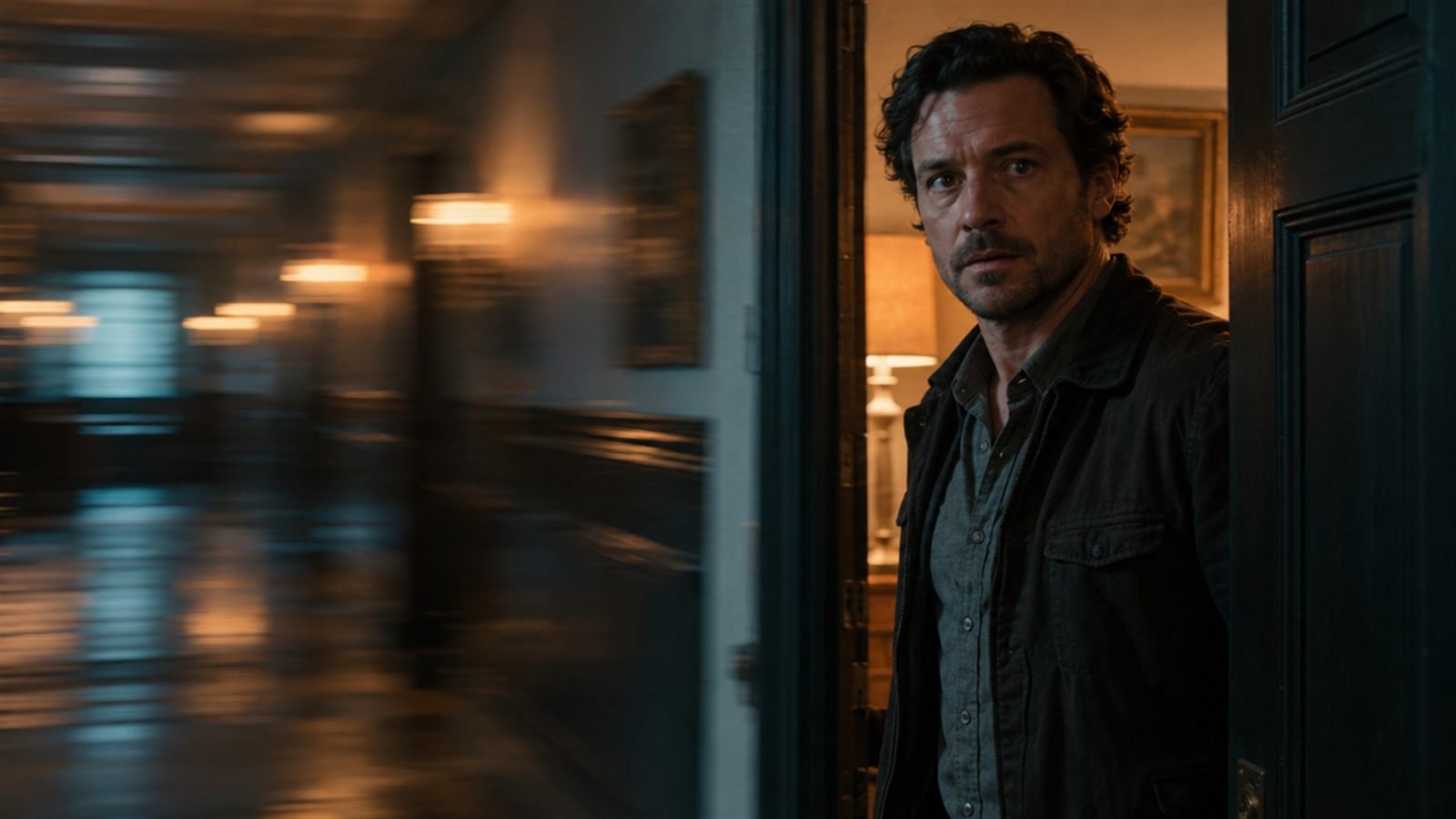
The prompt behind this image:
The crash zoom
What it is: a very fast zoom in, often onto a face or a detail. Comedy, shock, reality TV and social video.
How to write it:
Keep the starting frame wide enough to zoom from.
Tips: one crash zoom per clip. On platforms with audio, pair it with a sound effect: a whoosh or a record scratch.
TikTok Crash Zoom is a free preset in Frame Juice Motion. Pro adds the dolly zoom, whip pan and crash zoom moves themselves, plus presets like Vertigo Moment, Whip Pan Switch and Horror Creep.
The horror push-in
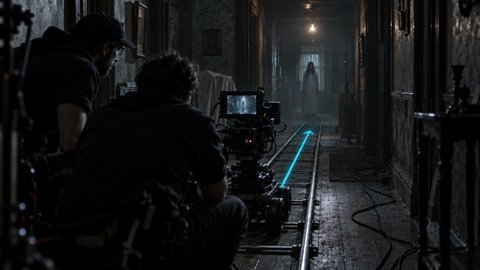
What it is: the quietest of the four, and maybe the scariest. A very slow, steady push toward something the viewer suspects is wrong: a dark doorway, a figure at the end of a hall, a closed wardrobe. The slowness is the point. It forces the audience to stare.
How to write it:
Tips:
- Stable rig. Dolly or slider smoothness is creepier than handheld.
- Something small changes. A light flickers, a door shifts, a shadow moves. Small beats big.
- Low light with one source. A flickering bulb, moonlight through a window, a phone screen.
- Sound, if available. A low drone, a creak, silence broken once.
- Nothing jumps out. Implication is easier to generate, and scarier.
When they fail
- The dolly zoom only zooms. Stress the effect: the subject stays exactly the same size while the background stretches.
- The whip pan lands nowhere. Always name the landing subject.
- The crash zoom warps the face. Start a bit tighter and zoom less far.
- The push-in drifts sideways. Add perfectly straight, centred, no drift.
Fast moves also raise the motion load of a clip, which is where hands and faces tend to break. Our five checks before rendering help you catch that before you spend credits.
One per shot, always
These moves are strong because they're rare. Stack two in one clip and neither reads. Use one, let it land, cut.