Veo vs Kling vs Runway vs Seedance vs Wan: Prompt Formats Compared
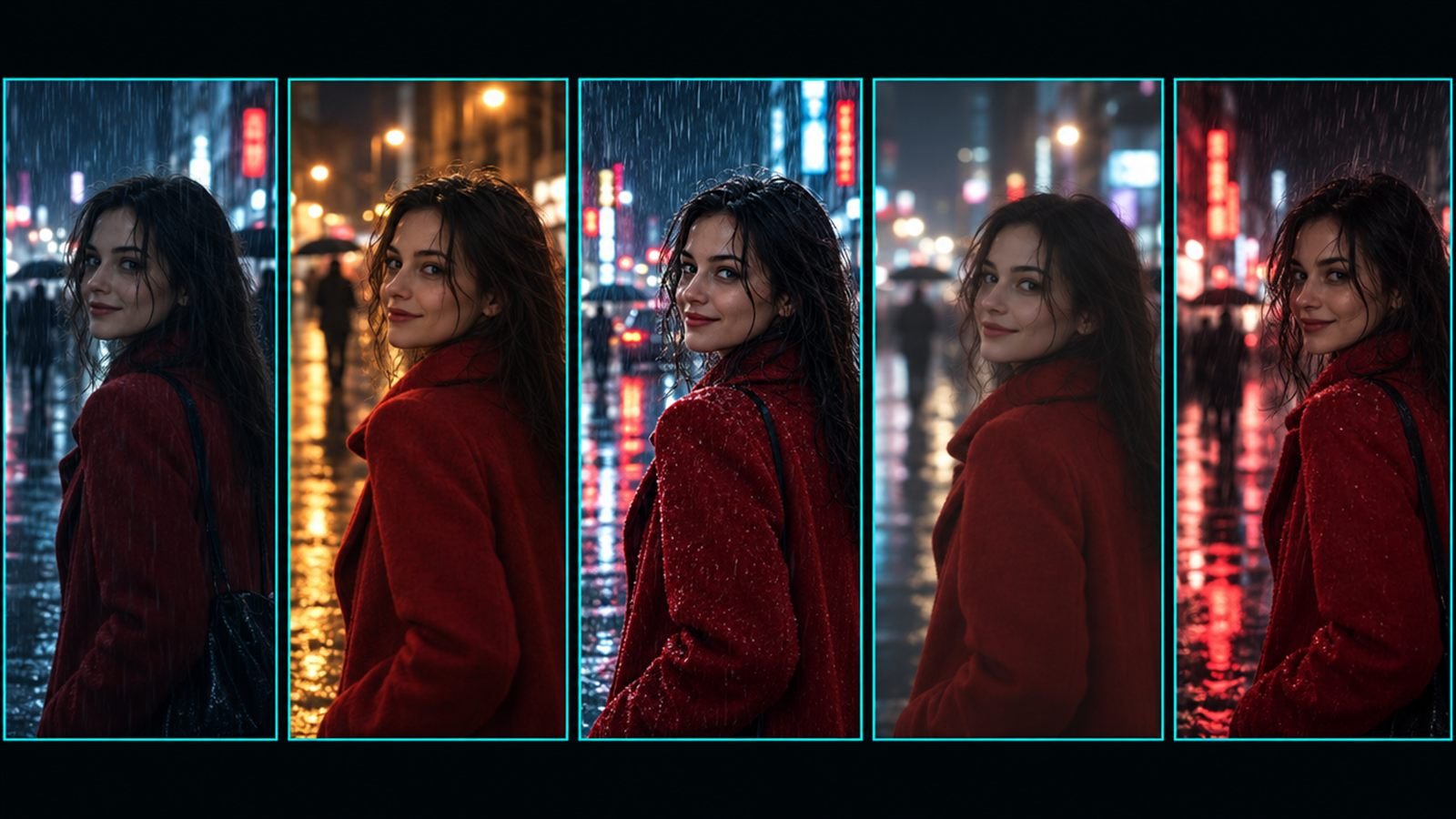
Five video models make up most creators' toolkits right now: Veo, Kling, Runway, Seedance and Wan. They can all turn a still into a moving shot, but they don't read prompts the same way. They differ on clip length, aspect ratio, audio, negative prompts and how they handle timing, and a prompt written for one often underperforms on another.
Here's how they compare, and how to write the same shot for each.
The specs below were checked in September 2026 against each platform's own guides. Video models update often, so check again before you rely on a limit.
The shot we'll translate
Start frame: a woman in a red wool coat on a rainy neon street at night. Action: she looks up from her phone, then turns toward the camera and smiles. Camera: slow push-in. Sound: rain, distant traffic, one soft line of dialogue.
In image to video, the start frame already sets the look, so every version below is about motion and sound. Our image to video guide explains why.
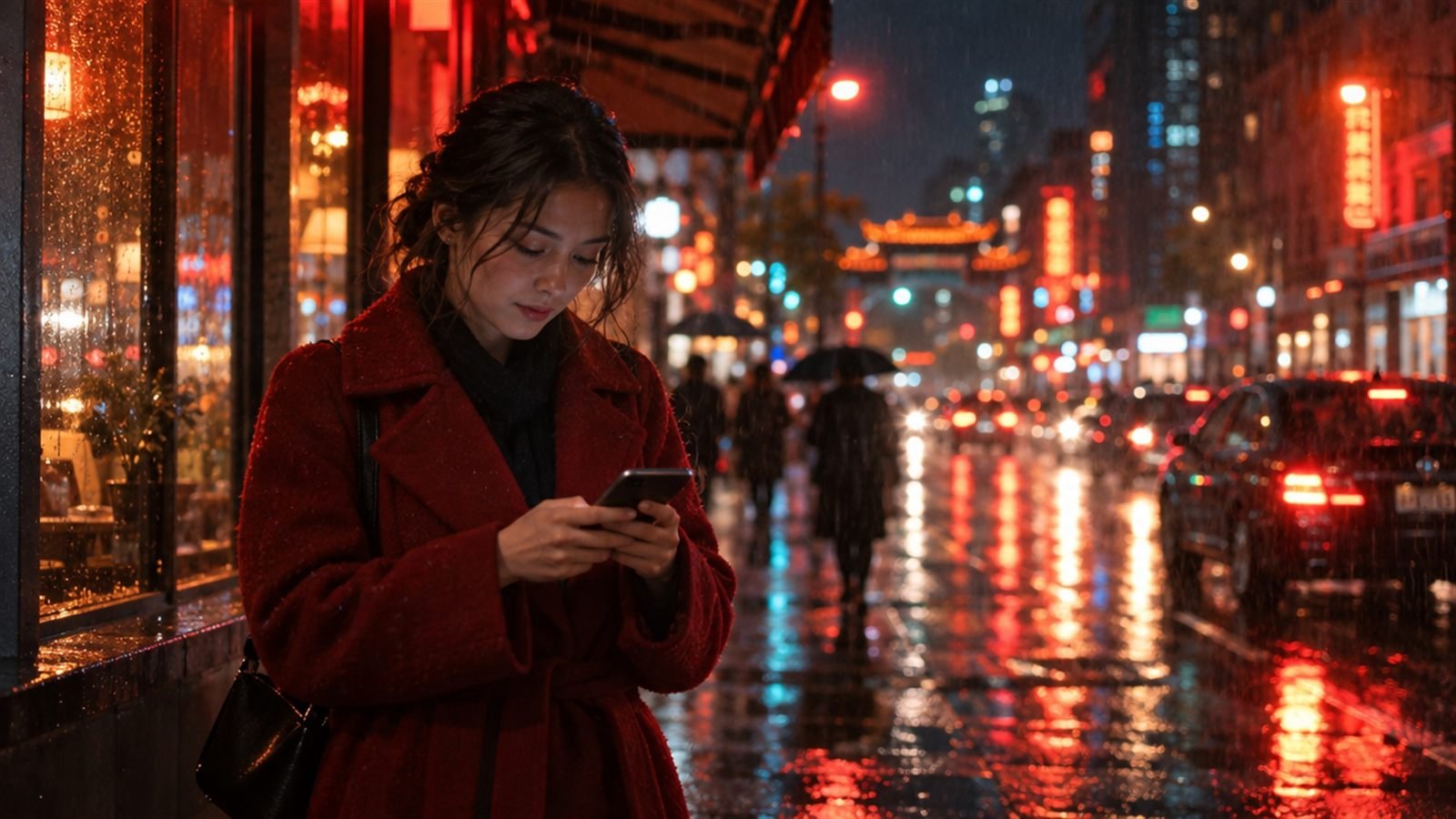
The prompt behind this image:
Veo
Lengths: 4, 6 or 8 seconds. Ratios: 16:9 and 9:16. Audio: yes, native.
How it reads prompts: camera first, then subject, action, context and style. Dialogue goes in quotes. Sound effects and ambience can sit on their own lines, for example SFX: and Ambient noise:. Timed beats can be written as timestamps like [00:00-00:04]. There's a separate negative prompt field in Flow and Vertex AI.
Best at: cinematic realism with synchronised sound and dialogue.
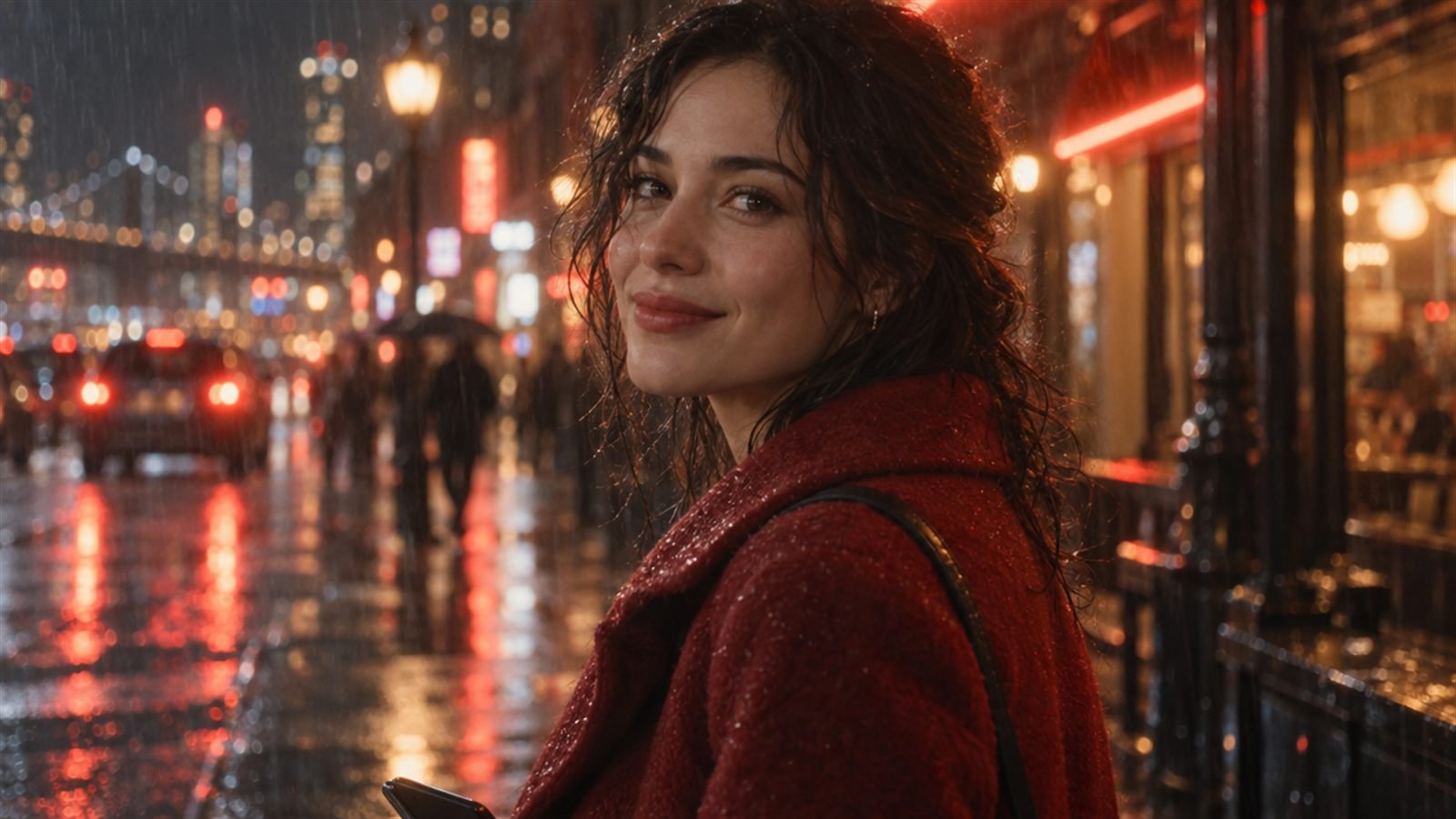
The prompt behind this image:
Kling
Lengths: 3 to 15 seconds. Ratios: 16:9, 1:1 and 9:16. Audio: yes.
How it reads prompts: scene, character, action, camera, audio and style, in that order. Dialogue works well written as Name (tone): line. Timed steps can be written as 0–2 s: lines. It has a negative prompt field, but works best with a short list of around six terms.
Best at: longer clips, strong motion and physical action, flexible lengths.
Runway
Lengths: 2 to 10 seconds. Ratios: 16:9, 9:16, 1:1, 4:3, 3:4 and 21:9. Audio: no native audio.
How it reads prompts: in image to video, describe motion only and let the image set the look. Describe the subject in simple, general words. There's no negative prompt, so describe what you want rather than what you don't. Sequence actions with first, then, finally.
Best at: clean, controlled motion from a strong image, and the widest choice of ratios.
Seedance
Lengths: 4 to 15 seconds. Ratios: 21:9, 16:9, 4:3, 1:1, 3:4 and 9:16. Audio: yes.
How it reads prompts: time-coded beats in brackets, like [0-3s], work well. Keep dialogue short, roughly 12 words for a 10-second clip. No negative prompt.
Best at: precise timing, multi-beat action and cinematic ratios.
Frame Juice Motion Pro writes the same shot in each of these formats, and its settings line tells you what to set in the tool itself: length, ratio, audio and which image goes where.
Wan
Lengths: 5, 10 or 15 seconds. Ratios: 16:9, 4:3, 1:1, 3:4 and 9:16. Audio: yes.
How it reads prompts: positive and negative parts are split, including in ComfyUI workflows. Keep the positive prompt under about 800 characters. Sequence actions with first, then, finally.
Best at: open workflows, local and ComfyUI pipelines, and good results at lower cost.
At a glance
- Longest clips: Kling and Seedance (up to 15 s), and Wan (15 s in fixed steps).
- Most ratios: Runway and Seedance, both including 21:9.
- No native audio: Runway.
- No negative prompt: Runway and Seedance.
- Timing: Veo and Seedance have their own timestamp formats, Kling uses second ranges, Runway and Wan follow first, then, finally.
Length, ratio and audio are settings in each platform's interface, not words in the prompt. Our five checks before rendering cover what to look at before you spend credits.
Hub platforms
Tools like ElevenLabs' image and video playground host several of these models in one place. That's convenient, but the prompt still needs the format of the model you pick there, not a generic one. Some models also aren't available in every region.
Which should you use?
For dialogue-driven cinematic scenes, Veo. For longer, physical, action-heavy clips, Kling. For controlled motion from a strong image in unusual ratios, Runway. For precisely timed multi-beat shots, Seedance. For open, local or budget workflows, Wan.
The honest answer for most creators: two of them, and the habit of writing each prompt in the format that model expects. The camera words themselves carry over between all five, so our camera moves vocabulary works wherever you render.
More articles
Image to Video Prompts: What to Write When the Image Sets the Look
In image to video, the picture already sets the look. Here's what your prompt should describe instead: camera, action, environment, light and sound.
Camera moves for AI video: a working vocabulary
Push-in, orbit, crane, FPV: the camera words that make Veo, Kling and Runway move the way you mean, with example prompts.
Five checks before you spend credits on AI video
Length, aspect ratio, motion load, hands and text: the five things to check in an AI video prompt before you render.