AI Product Videos: 5 Shots Every Online Shop Can Use
h3Hullo Creative Studios · 5 min read
A still product photo sells. A product that moves sells harder: light sliding across a watch face, steam curling from a coffee, a bottle turning slowly on a pedestal. Short product videos work on product pages, in ads, on Pinterest and in social feeds, and with image to video you can make them from a single good product photo.
Here are five shots every online shop can use, and how to prompt them without wrecking the product.
Rule one: the product must not change
The worst product video is one where the label warps, the cap changes shape, or the watch gains a second crown. Protect the product:
Start from a real product photo or a very accurate image of it.
Simple, slow motion. Fast moves and big rotations make the model reinvent the object.
Describe the product simply.The bottle, the watch. The image carries the details. Our image to video guide explains why.
Add an identity line.The product's shape, label and proportions stay exactly the same throughout.
No readable text in motion. Labels that turn toward and away from camera are where warping starts.
Shot 1: the turntable orbit
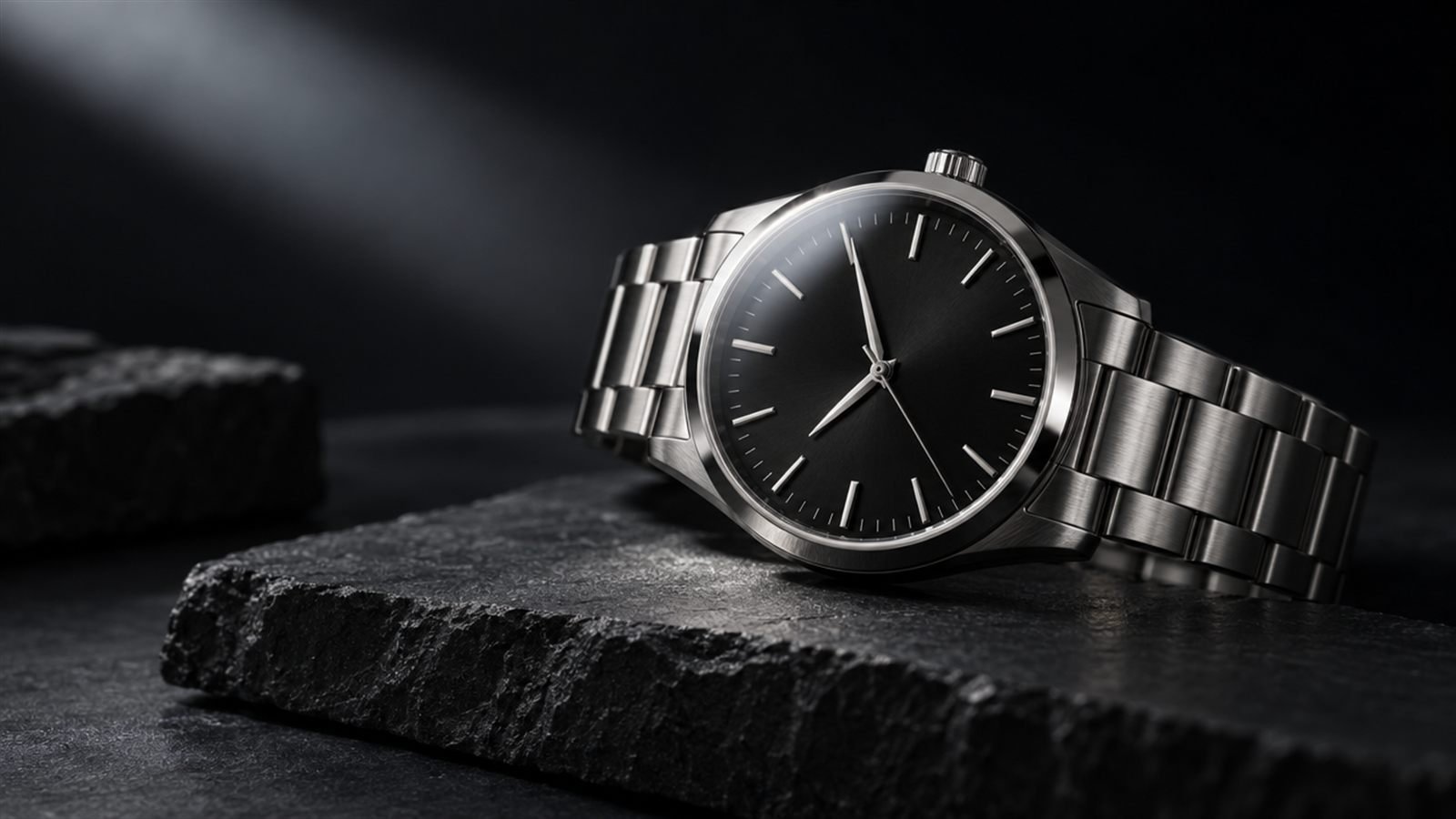
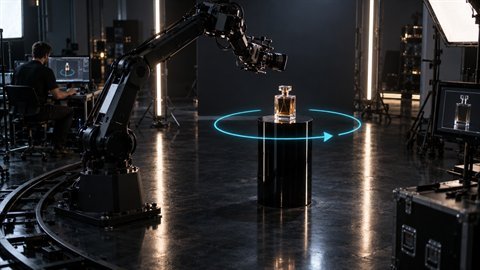
The classic. The product rotates slowly on a pedestal, or the camera orbits around it.
Slow 90-degree orbit around the watch on a dark stone pedestal, smooth and steady, soft studio light, the product's shape and details stay exactly the same.
Tips: 90 to 180 degrees is safer than a full 360, which asks the model to invent the back of the product. For a seamless loop, a full orbit with a matching start and end frame works best. Our start and end frame guide shows how.
Start with a clean product still, then move the camera around it. Studio Product Render, an image look in Frame Juice Image, and Product Orbit 360, a camera move in Frame Juice Motion.
Shot 2: the macro push-in
A slow move toward a detail: the texture of leather, the grain of wood, a drop of serum.
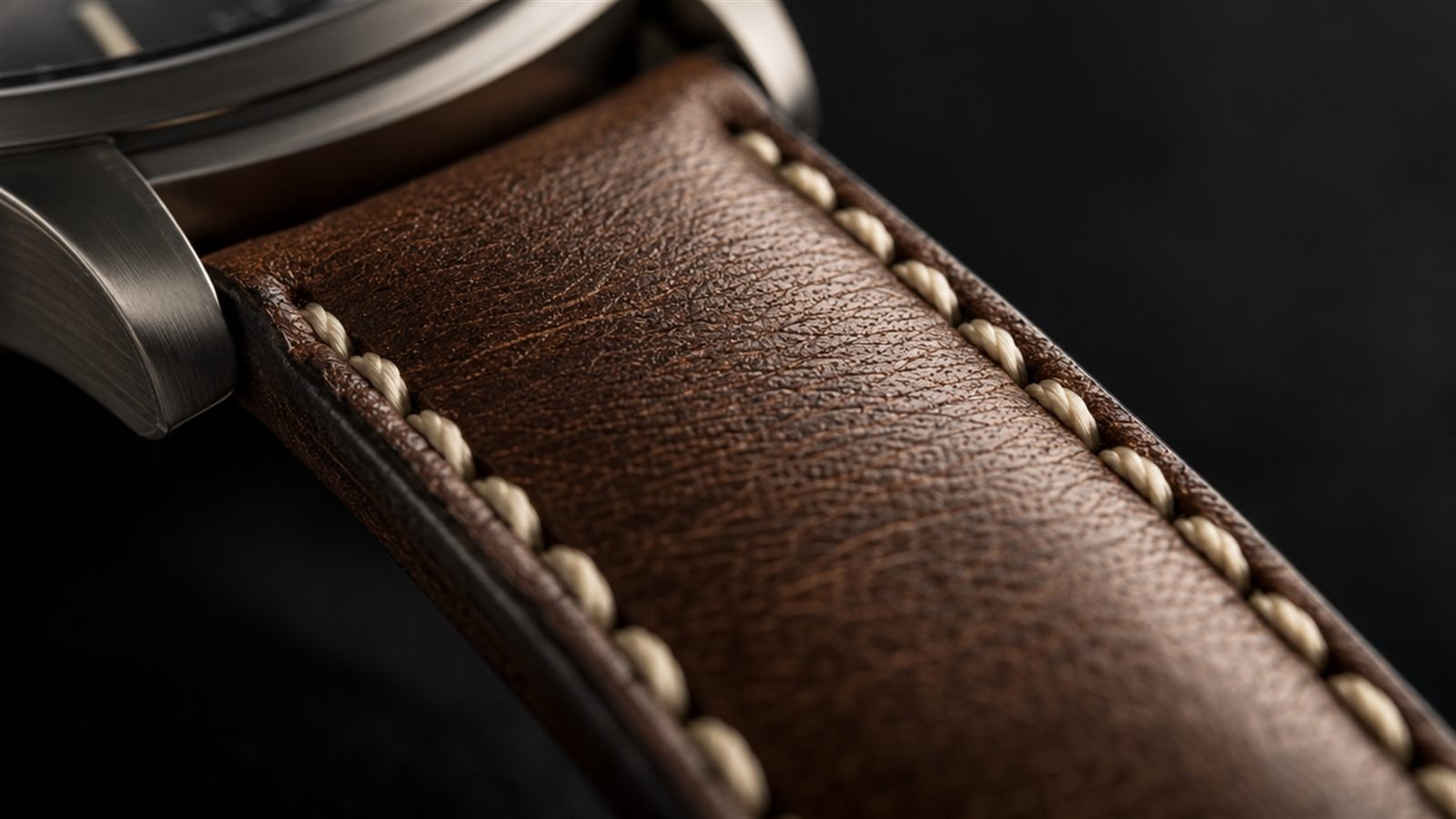
Very slow push-in toward the stitching on the leather strap, 100mm macro, shallow depth of field, light grazing across the texture.
A frame from the middle of a macro push-in: the stitching is sharp, everything else falls away, and side light brings out the grain. Made with GPT Image from a prompt built with Frame Juice Image and Motion settings: Commercial Hero, Slider, Push-In, 180° Natural, Macro 100mm, Side Light and Editorial.
The prompt behind this image:
sharp subject: the brown leather strap of a plain wristwatch, the cream stitching along its edge in razor-sharp focus, fine leather grain, no logos, blurred background: dark studio falling into soft black, still frame from the middle of a product shot: premium commercial hero shot, flawless controlled motion, polished advertising feel, camera on a short slider, small precise glide with subtle parallax, the camera pushes in very slowly toward the stitching, 180-degree shutter, natural cinematic motion blur, 100mm macro lens, life-size macro magnification, extreme close-up detail, shallow depth of field, hard raking side light, emphasized texture and form, strong directional shadows, editorial color grade, clean neutral tones, slightly desaturated, high-end magazine aesthetic, professional photography, highly detailed, photorealistic.
Shot 3: the light sweep
The camera stays still and a band of light travels across the product. Elegant, premium, and low risk, because the product barely has to move.
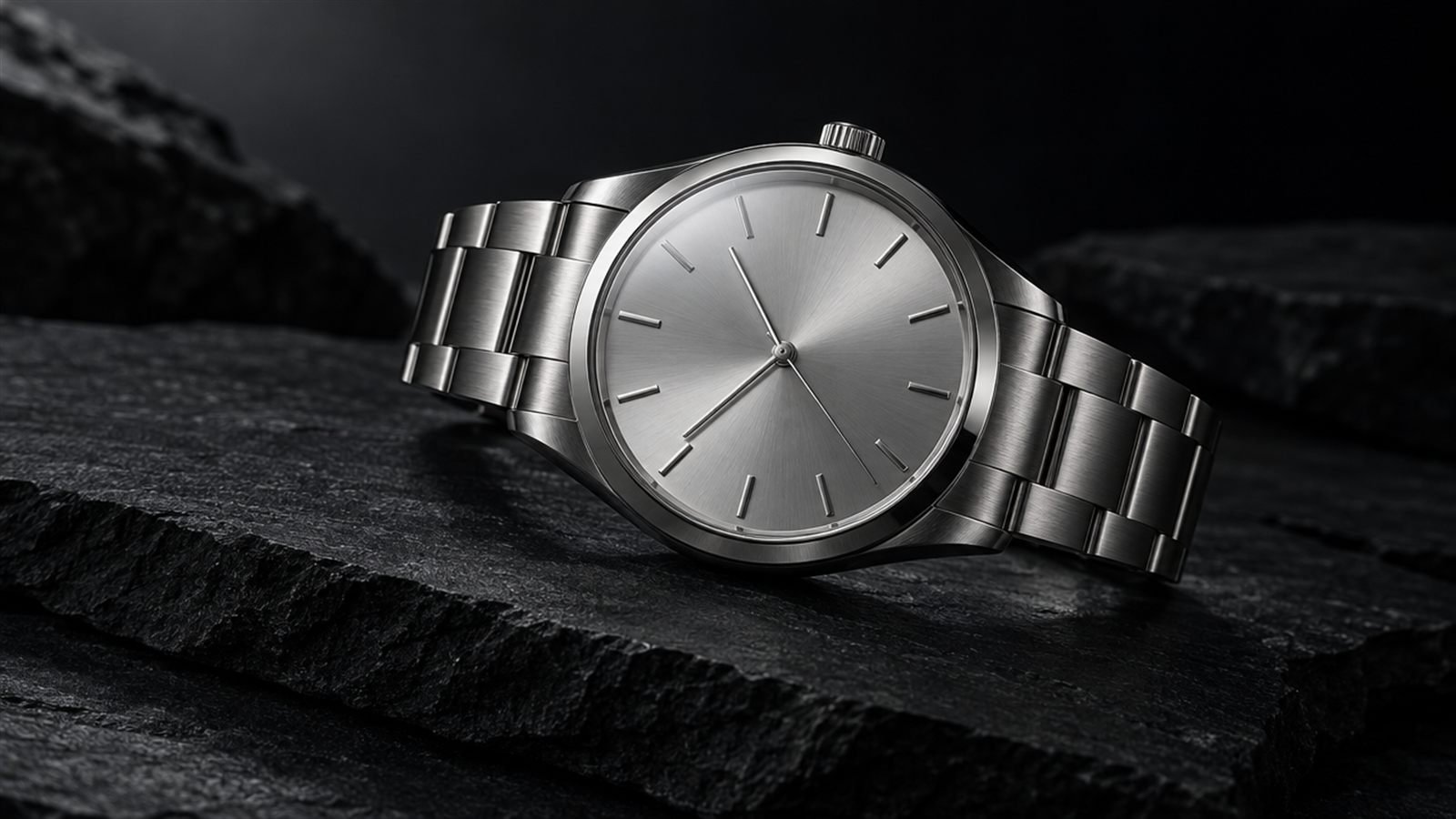
Locked-off camera. A soft band of light slowly sweeps across the watch face from left to right, highlights rolling over the glass and metal.
A frame from a light sweep: the camera and the watch stay still, and only the light moves over the steel and glass. Nothing for the model to reinvent. Made with GPT Image from a prompt built with Frame Juice Image and Motion settings: Commercial Hero, Locked-Off Tripod, Static, 85mm, f/8, Strip Box and Moody Dark.
The prompt behind this image:
sharp subject: a plain silver wristwatch with a blank dial and no logo lying on black slate, a single soft band of light crossing the watch face, highlights rolling over the glass and brushed steel, blurred background: dark studio fading to black, still frame from a product shot: premium commercial hero shot, flawless controlled motion, polished advertising feel, camera locked off on a heavy tripod, perfectly stable frame, the camera holds perfectly still, 85mm lens, flattering compression with a soft background, f/8 aperture, everything sharp front to back, ideal for product and landscape, strip box lighting, narrow elongated highlights, crisp rim accents, moody dark color grade, crushed blacks, desaturated tones, atmospheric shadows, editorial drama, professional photography, highly detailed, photorealistic.
Product shots, one click each
Frame Juice Motion has presets for exactly these shots, from Product Orbit 360 and Food Macro Glide to Hero Push Slow-Mo, Liquid Splash and Beauty Close-Up, plus an identity lock that tells the model to keep the product unchanged.
Something clears to reveal the product: mist parts, a cloth slides away, the camera rises past a foreground object.
Slow rise from behind a blurred eucalyptus branch to reveal the candle on the table, warm afternoon light.
Shot 5: the lifestyle loop
The product in its natural setting, with small ambient motion: steam from a mug, a curtain moving, sunlight flickering through leaves.
Locked-off camera. Steam rises gently from the ceramic mug on the windowsill, leaf shadows move softly across the table. Seamless loop.
Perfect for product page headers and Pinterest video pins.
Food and drink
Food adds its own motion: pours, drips, steam, sizzle. Keep it to one element per clip.
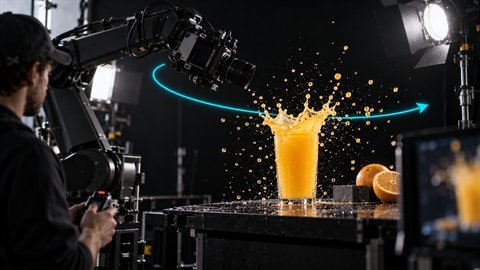
Slow pour of cold brew over ice, condensation on the glass.
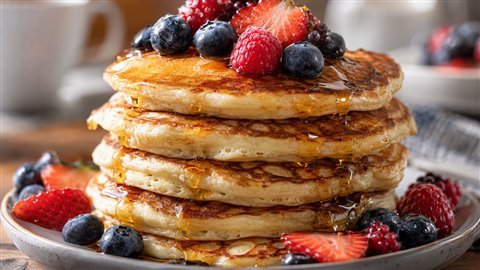
Honey dripping from a dipper onto a stack of pancakes, slow motion.
Steam curling from a bowl of ramen, locked-off camera.
One motion element per clip. Hyperreal Food, an image look in Frame Juice Image, and Liquid Splash, a preset in Frame Juice Motion.
Length and format
6 to 8 seconds is enough for most product shots.
Vertical 9:16 for social and Pinterest, 1:1 or 4:5 for feeds, 16:9 for websites.
No music baked in if you'll use the clip across several ads. Add sound in editing.
Start with the photo
Great product video starts with a great product photo: clean light, a simple background, and the product exactly as it is. Get the still right first, then choose one of the five shots and keep the motion slow. If you want more control over how the camera travels, our guide to camera moves for AI video covers the vocabulary.
Free guide
Make your AI clips move with intent.
Get the 38-page Frame Juice Guide: start and end frames, camera moves, action and timing, sound, and the still that makes it all work. With 71 tips for 15 AI generators. See inside